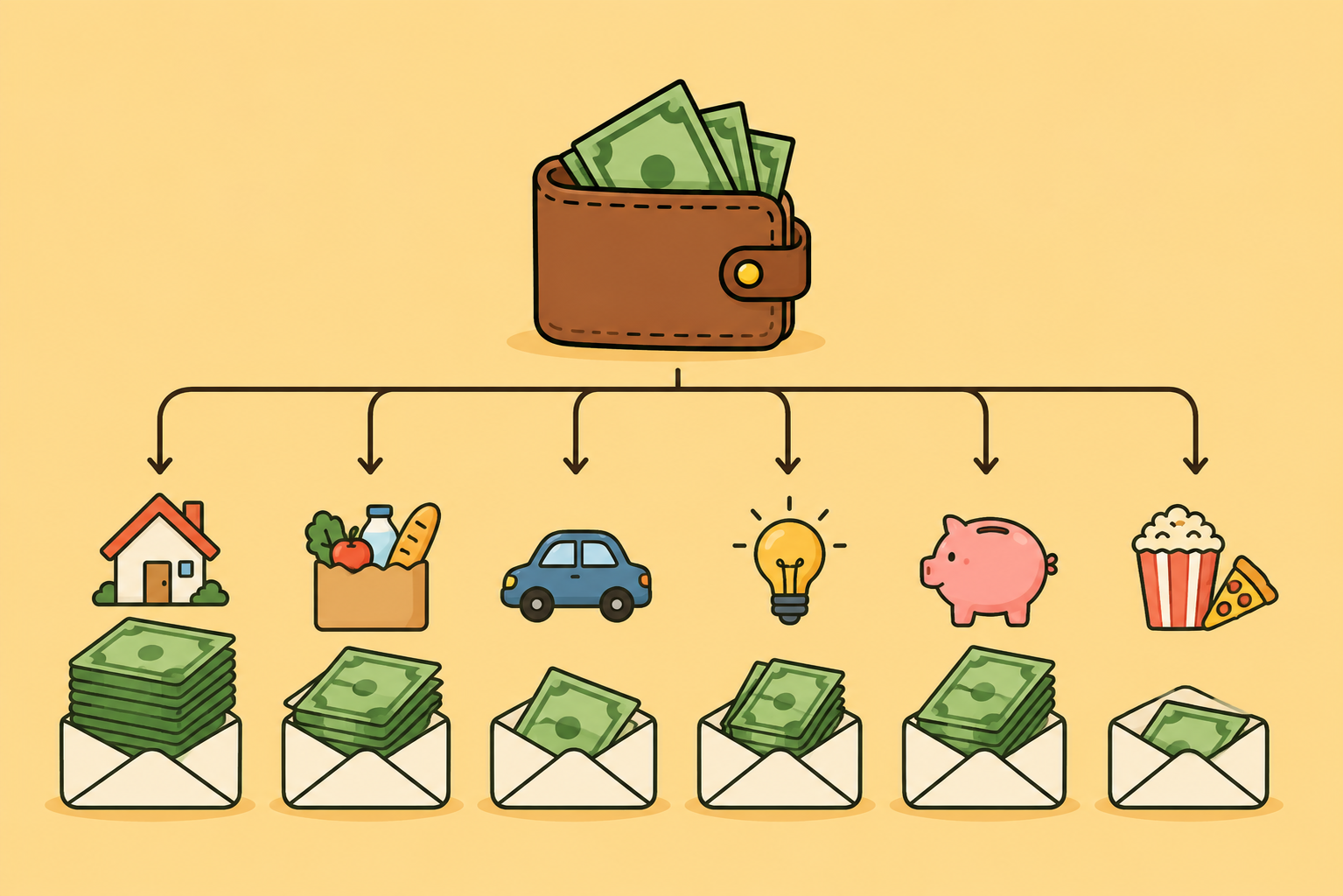
Moving from PocketSmith to Fireball: where to start
Moving from PocketSmith? Bring your categories, transactions, notes and rules into Fireball, then build a budget that fits your life now.
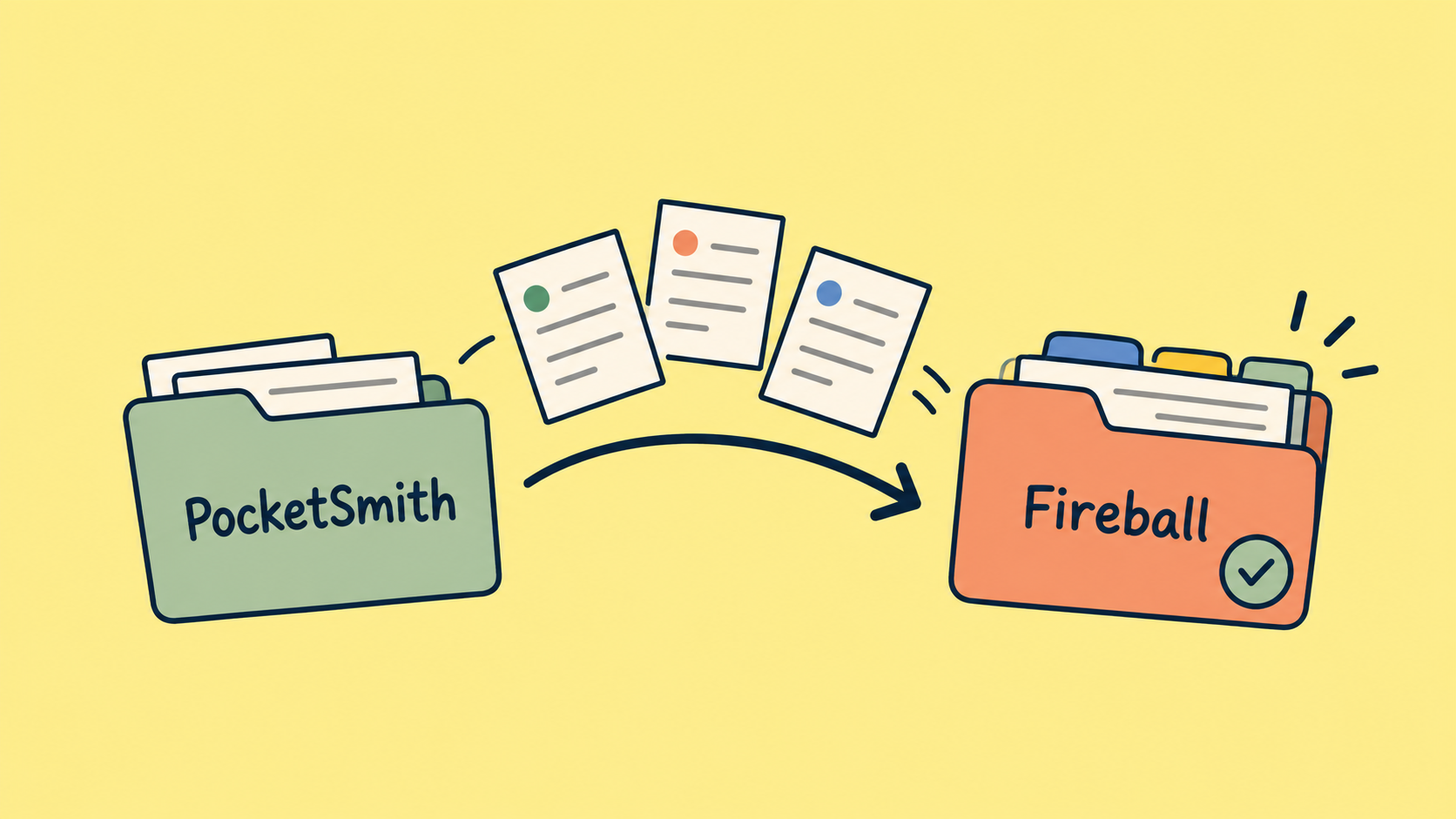
Switching money apps can feel like starting your budget all over again. You have already spent time connecting accounts, organising categories and learning where everything lives.
You do not have to start from scratch. Fireball can bring across much of what you built in PocketSmith, and you do not need to set up everything on day one.
Decide what you want from the switch
Before setting anything up, think about what you want to understand more clearly.
Perhaps you want to know how much you can spend before payday. Maybe you want to bring your budgets, savings goals and retirement plans together. Or you want to review your finances with another person.
Choose one question to start with. It gives you something practical to check as you explore Fireball. For example: "After my bills, how much room do I have this fortnight?"
What you can bring from PocketSmith
Fireball can read your PocketSmith export and guide you through reviewing it before anything is saved. You can bring across:
- Transactions and their account information.
- Categories, including how they are organised.
- Transaction notes.
- PocketSmith labels, which come into Fireball as tags.
- Supported category rules.
PocketSmith budgets and attachments are not imported. Category colours and settings, such as roll up preferences, also do not carry across.
1. Import your categories first
If you have spent time organising your PocketSmith categories, start here. Importing them first helps Fireball match your transactions to the right places later.
Open Data management and choose Import categories, where available. You can also find this under Organise, then Categories.
Choose your PocketSmith categories CSV and review the preview. Check the category names, parent categories, and whether each category represents income, expenses or transfers. Fireball flags choices that need your attention before you save.
Some organisation may need adjusting. For example, a PocketSmith group called "Rental property" might contain both rent received and maintenance costs. Fireball lets you keep that parent as a tag, so you can view the property's income and costs together while keeping their categories separate.
2. Connect your everyday accounts
Connect the accounts you use for income, bills and everyday spending. You can add the rest as you become familiar with the app.
Once transactions appear, check that the expected accounts are there and review the latest balances and activity.
3. Import your transactions
Open Data management, choose Import transactions, then select PocketSmith.
Choose your export files. The importer accepts CSV, TSV and ZIP files and takes you through the relevant review steps:
- Choose where each account's transactions should go.
- Check the category matches.
- Review any category rules included in the export.
- Review labels you want to bring across as tags.
- Check the final summary and duplicate decisions before confirming.
You can set up manual accounts for imported records. Where the option is available, you can also add older history to an eligible connected bank account.
For a connected account, Fireball imports transactions from before its bank history begins. Transactions within the period already covered by the bank are left out. Importing older transactions does not change the connected account's current bank balance.
Already connected your bank?
You may have recent transactions in Fireball that also appear in your PocketSmith export.
Review the duplicate checks carefully. Where Fireball identifies eligible matching bank transactions, the confirmation step offers to copy PocketSmith categories, notes and tags onto those existing transactions. This preserves the work you did in PocketSmith without adding the same payment again. Check any less certain matches before confirming.
Existing notes are kept. Missing tags can be added, while existing tags remain. Category copying also respects manual category changes, splits and applicable rules already in Fireball.
4. Check your imported rules
PocketSmith does not include category rule priority in its export. Fireball adds imported rules after your existing rules, so review their order under Organise, then Rules.
For example, a broad supermarket rule and a more specific rule for one type of purchase may need a particular order to produce the result you want.
The import review also shows when imported rules would change existing transactions. Read that summary before saving.
Review your categories before comparing totals
Even with imported categories, start by checking your largest or most frequent expenses, such as groceries, rent, transport and subscriptions. Check that income is recognised correctly and transfers between your own accounts are not being treated as everyday spending.
For example, moving $300 from your everyday account into savings is a transfer. Spending $80 from that savings account on groceries is still grocery spending. Reviewing both helps you understand how much you actually kept.
You do not need to tidy every historical transaction before using Fireball. Focus on the categories that affect your current budget first.
Set up a budget that reflects your life now
PocketSmith budgets do not come across, which makes this a good moment to check whether your old budget still fits.
If you want a simple starting point, Fireball's Single Budget gives you one overall spending limit. You can explore category budgets when you want more detail.
Choose a period that makes sense for how you manage money. A weekly or fortnightly budget may be easier to follow if that matches your payday, while a monthly budget may suit your household bills.
Use the income and spending information in Fireball as a starting point, then review it against what you expect. A recent bonus, an unpaid break or a large annual bill can make a short period look unusual.
Check what is coming before your next payday
A budget can look comfortable overall while your account runs short between payments.
Review the recurring income and payments Fireball identifies. Check their amounts and timing, then look at your account forecast to see how upcoming activity could affect your balance.
For example, you might have $900 available today, with $650 in rent and bills due before your next pay. The useful question is not simply whether your balance is positive. It is whether the remaining money covers the rest of that period.
Treat a forecast as an estimate. A payment that changes, arrives late or has not been included can change the result.
Bring in the bigger picture gradually
Once everyday spending looks right, add the information you need for your wider plans. That might mean setting up a savings goal, reviewing debt progress, or bringing your assets and debts into your net worth view. If retirement planning is part of your reason for switching, explore your FIRE Plan and review the assumptions behind its projection.
Start with the decision you are trying to make, then add the information that helps you make it.
Why do my totals differ from PocketSmith?
A difference does not automatically mean something is missing. Before comparing the numbers, check that you are looking at:
- The same dates and accounts.
- The same transactions, including any pending payments.
- Similar category choices.
- The same treatment of transfers and refunds.
Compare a few individual transactions first. This is often easier than trying to explain a difference between two large totals.
Something does not look right?
Start with the import preview or summary. Check the destination account, date range, category matches and duplicate decisions.
For recorded imports, open Data management, then Import history, to review the available Undo action. Fireball previews what will be removed or kept. Transactions you have edited since importing may be kept, so undo is not always a complete reset.
If a file is rejected, or an account or number still does not make sense, contact Fireball support with the account name, date range, any error message and the step you reached. Do not delete your history or repeatedly reconnect your bank to try to force a match.
Keep your old records until you are comfortable
Keep your original PocketSmith export files, and keep access to PocketSmith while you check the new setup, especially for anything that does not import, such as budgets and attachments.
Give yourself time to review Fireball through a normal payday and bill cycle. Once you are comfortable with the accounts, categories and upcoming payments, you can decide when to finish the switch.
The aim is to reach a point where you can open Fireball, understand where you stand and see what needs your attention next.
Make the next money decision calmer
Turn what you just read into a plan you can track, adjust, and actually live with. Explore our free financial calculators or see how Fireball brings your finances together.