Fireball 1.1: Manage money together and understand your week
Fireball 1.1 brings collaboration, a clearer Weekly Review, refined Home Screen widgets and more useful notification controls.
Money rarely changes in one dramatic moment. A grocery shop costs a little more. A bill arrives earlier than expected. You make progress on a goal, but it is easy to miss among dozens of transactions.
Fireball 1.1 is designed to make those small changes easier to see, understand and act on, whether you manage money by yourself or with someone you trust.
This update introduces Collaborator mode and a clearer Weekly Review. We have also simplified the way you review recurring activity and refined everyday screens across budgets, goals, transactions and insights.
Manage money with someone you trust
Money is not always managed alone. You may share household decisions with a partner, help an older parent stay organised or work through a financial plan with someone you trust.
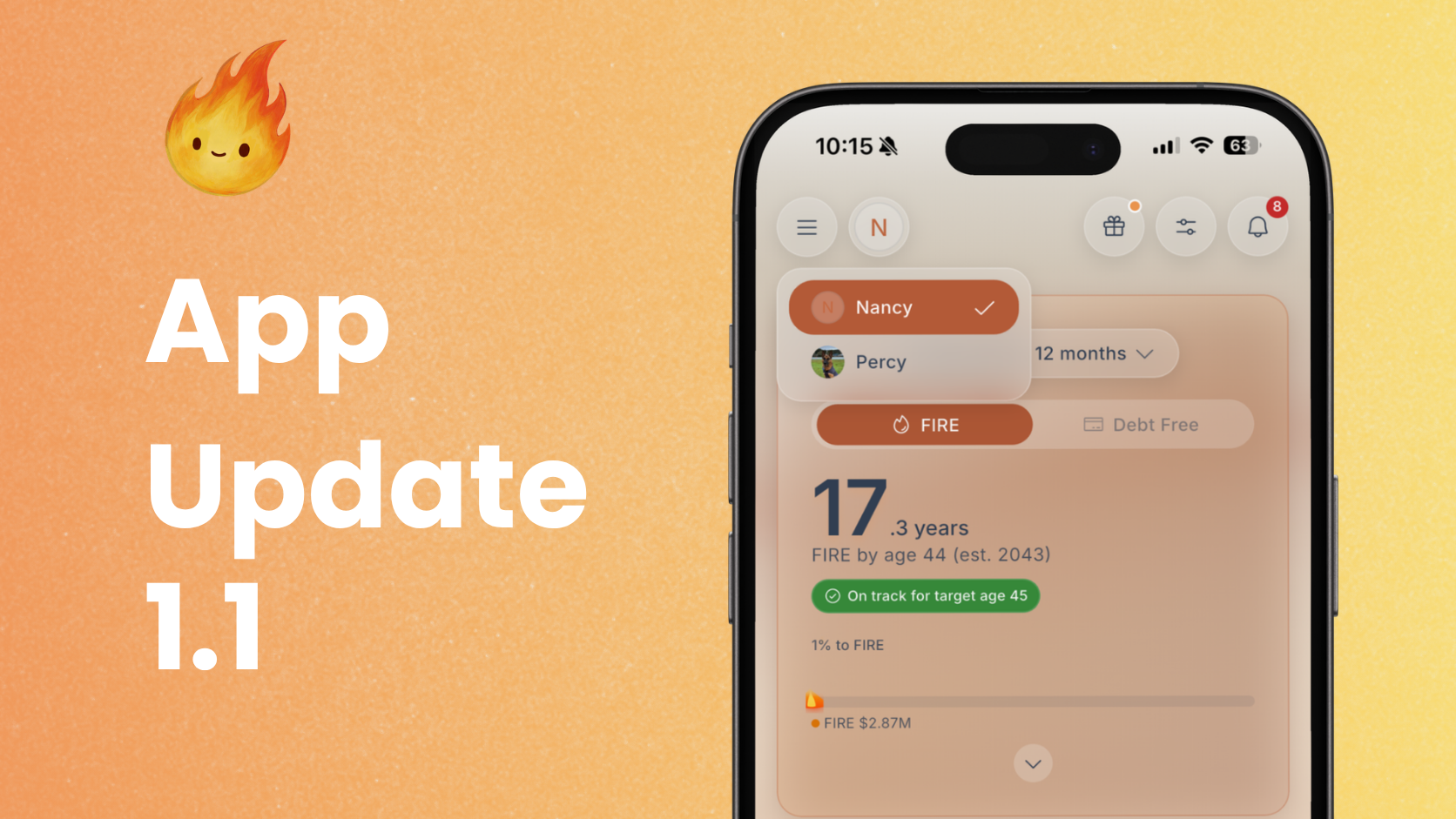
Collaborator mode lets the owner of a paid Fireball account invite up to four people to access their financial picture through separate Fireball logins. You do not need to share your own sign in details or hand over access to your bank account.
Open Profile, then Financial access to send and manage invitations.
You can choose the level of access that suits the relationship:
1. A Viewer can explore the shared financial picture without changing it.
2. An Editor can help organise and update the shared information.
For example, Maia manages the household accounts but plans the family budget with her partner, Tom. Maia can invite Tom as a Viewer when they only need to look through spending, budgets and progress together. If they want Tom to help categorise transactions and maintain the plan, Maia can change his access to Editor.
When somebody is viewing shared finances, Fireball clearly identifies whose information is open. People who also have their own Fireball finances can move between their personal view and the financial account shared with them.
The owner keeps control of connected bank accounts and can change or remove access. Fireball also keeps AI features with the owner, so sharing a financial view does not automatically give another person access to the owner's AI experience.
Collaborator mode is designed to make shared decisions easier without making ownership unclear.
See your week as a financial story
A list of transactions can tell you what happened. It does not always tell you what mattered.
Weekly Review brings the most useful parts of your completed financial week into one guided view. Depending on the information available, it may cover:
1. Spending
2. Cash flow
3. Upcoming commitments
4. Your budget
5. Goal progress
6. Net worth
7. Investments
8. FIRE progress
You will not necessarily see every section each week. Fireball includes the areas it can support with useful information and leaves out sections that do not have enough reliable data.
That matters for areas such as investments. If Fireball cannot support a performance figure with complete history and the required information, it will not make one up. It may show a simpler value movement or leave that section out instead.
Weekly Review no longer depends on AI
The figures and financial meaning in Weekly Review come from Fireball's own calculations.
In version 1.1, a useful Weekly Review can open from your completed week data even when AI is turned off or an optional AI narrative is not available. You can still see the information Fireball has calculated without waiting for AI to write the report.
If you have enabled the eligible AI experience and accepted the relevant settings, Fireball may add a more conversational narrative to the review. AI can help explain the story, but it does not replace the underlying calculations.
This separation gives you a dependable review first, with optional AI writing when it is available and wanted.
Continue where you left off
Some weeks deserve more attention than others. You do not have to finish the review in one sitting.
Fireball remembers your position for that particular report. The Home card can show whether the review is ready, partly completed or already viewed, making it easier to return without starting again.
The information is also kept stable while you read it. If an optional AI narrative finishes in the background, Fireball will not suddenly replace the pages in front of you. The richer version can appear the next time you open the review.
Clearer budget check ins
Your budget should respond to real spending rather than stay fixed simply because you chose a number several months ago.
When Fireball notices that recent spending may support a budget review, the check in gives you clear choices. You can review the budget, keep the current plan or ask Fireball to remind you in 30 days.
The suggestion is a prompt to think, not an instruction to spend more or less. A temporary month, an annual bill or a deliberate purchase may explain the change. You remain in control of whether the budget needs adjusting.
Simpler recurring activity reviews
Recurring income, charges and transfer commitments affect your budget and account forecast. They are useful only when the amount, timing and status reflect what is likely to happen next.
Version 1.1 makes these review screens easier to work through. The main decision stays visible, while less common actions are grouped under More options. This reduces clutter without removing the controls you may need when something has changed.
You can still pause an item, review its details or use the relevant alternative when the suggested recurring activity is not correct.
Keep useful numbers on your Home Screen
You should not need to open Fireball every time you want to check one important number. Version 1.1 refines Fireball's Home Screen widgets on iOS and Android, with clearer layouts and more consistent progress displays.
You can choose from:
1. Net Worth
2. FIRE Progress
3. Safe to Spend
4. Budget Pulse
5. Budget Overview
6. Upcoming Money
7. Goal Progress
8. Debt Free Countdown
9. Spending Monitor
The right widget depends on what you are trying to keep visible. Safe to Spend can help with everyday decisions after budgets, bills and goals are considered. Upcoming Money shows expected income and bills over the next seven days. Goal Progress, Debt Free Countdown and FIRE Progress keep a longer term target in sight.
Open Home Screen widget settings in Fireball to preview the available views. On your device, touch and hold the Home Screen, open the widget picker and choose Fireball. The exact steps differ slightly between iOS and Android.
A widget can only use information Fireball has. If a budget, goal, monitor or FIRE plan has not been set up, the related widget may ask you to finish that setup first.
Choose the notifications that help you act
Useful notifications should give you time to respond, not add more noise. Version 1.1 makes the notification settings clearer and lets you decide which financial events deserve your attention.
Depending on your accounts, settings and plan, you can choose alerts for:
1. A completed Weekly Review that is ready to read
2. Changes an Editor makes through Collaborator mode
3. A connected account that needs attention
4. Income or expenses, with optional minimum amounts
5. A budget reaching 80 percent or 100 percent of its limit
6. Confirmed recurring payments expected in two days
7. A projected low balance in an account you choose
For projected low balance alerts, you can choose how far Fireball should look ahead. The available periods are 3, 7, 14 or 30 days. This gives you a chance to review upcoming money before the account becomes tight.
These alerts depend on the accounts, transaction updates and recurring activity Fireball knows about. Bank timing can vary, and a new or irregular payment may not be included. Treat an alert as an early prompt to check the details, not a guarantee of the final balance.
More consistency across Fireball
This update also includes many smaller refinements across Budget, Goals, FIRE settings, Transactions, Insights, Markets, Merchants, Monitors, Tags and Notifications.
Buttons, cards, loading states and review actions now behave more consistently. Several screens use space more clearly, and common actions are easier to recognise as you move between different parts of the app.
These changes are not as noticeable as a new feature. Together, they make Fireball feel calmer and easier to learn.
Why we built this update
Personal finance apps can become another place that demands attention. We want Fireball to do the opposite.
The goal of version 1.1 is not to give you more numbers to monitor. It is to help you understand the few changes that may deserve your attention, share the right information with people you trust and keep the final decisions yours.
Weekly Review is a good example of that direction. Fireball organises the week, explains what it can support and lets you decide what to do next.
Get Fireball 1.1
Once version 1.1 is available for your device, install the update. Open Profile, then Financial access to invite a trusted collaborator. You can also open Weekly Review from Home after Fireball has a completed week of useful information.
If a section is missing, check that the relevant accounts are connected and current. Some insights also need enough transaction or value history before Fireball can show them reliably.
We are continuing to improve how Fireball connects day to day money decisions with budgets, goals, net worth and financial independence. Version 1.1 is another step towards making your full financial picture easier to understand.
Make the next money decision calmer
Turn what you just read into a plan you can track, adjust, and actually live with. Explore our free financial calculators or see how Fireball brings your finances together.