How much money is safe to spend before your next payday?
Your bank balance is not necessarily yours to spend. See what to protect before payday and how Fireball calculates what may be safe to use.
You open your banking app and see $1,240. It can feel as though you have $1,240 available.
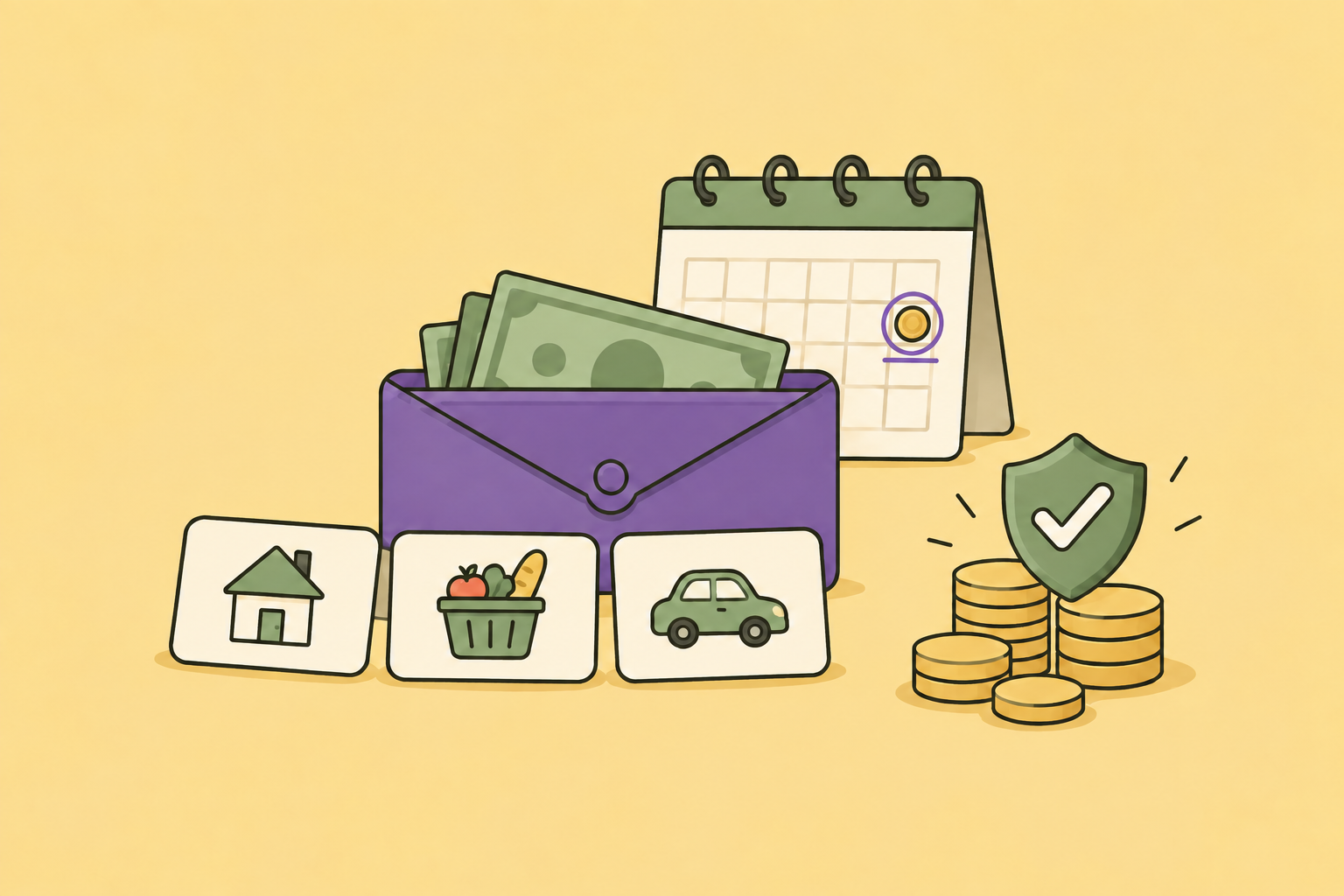
But rent is due on Monday. Your power bill is expected two days later. A savings transfer is planned, and there are still groceries and transport to cover before payday.
Your account balance answers one question: how much money is in the account right now?
It does not answer the more useful question: how much can you spend without taking money away from the plan?
That is the question Safe to Spend is designed to help with.
What does safe to spend mean?
Safe to Spend is the amount left in your current budget after Fireball accounts for spending and relevant commitments it knows about.
It is not permission to spend the entire amount immediately. Think of it as a clearer starting point for a decision. It can help you judge whether a purchase fits within the plan you have already made.
Fireball can also divide the remaining amount by the days left in the budget period. This gives you a daily guide, which may be easier to use than one larger total.
For example, $280 left across fourteen days is about $20 a day. You do not have to spend exactly $20 each day. Spending less today leaves more room for another day.
Why your bank balance can be misleading
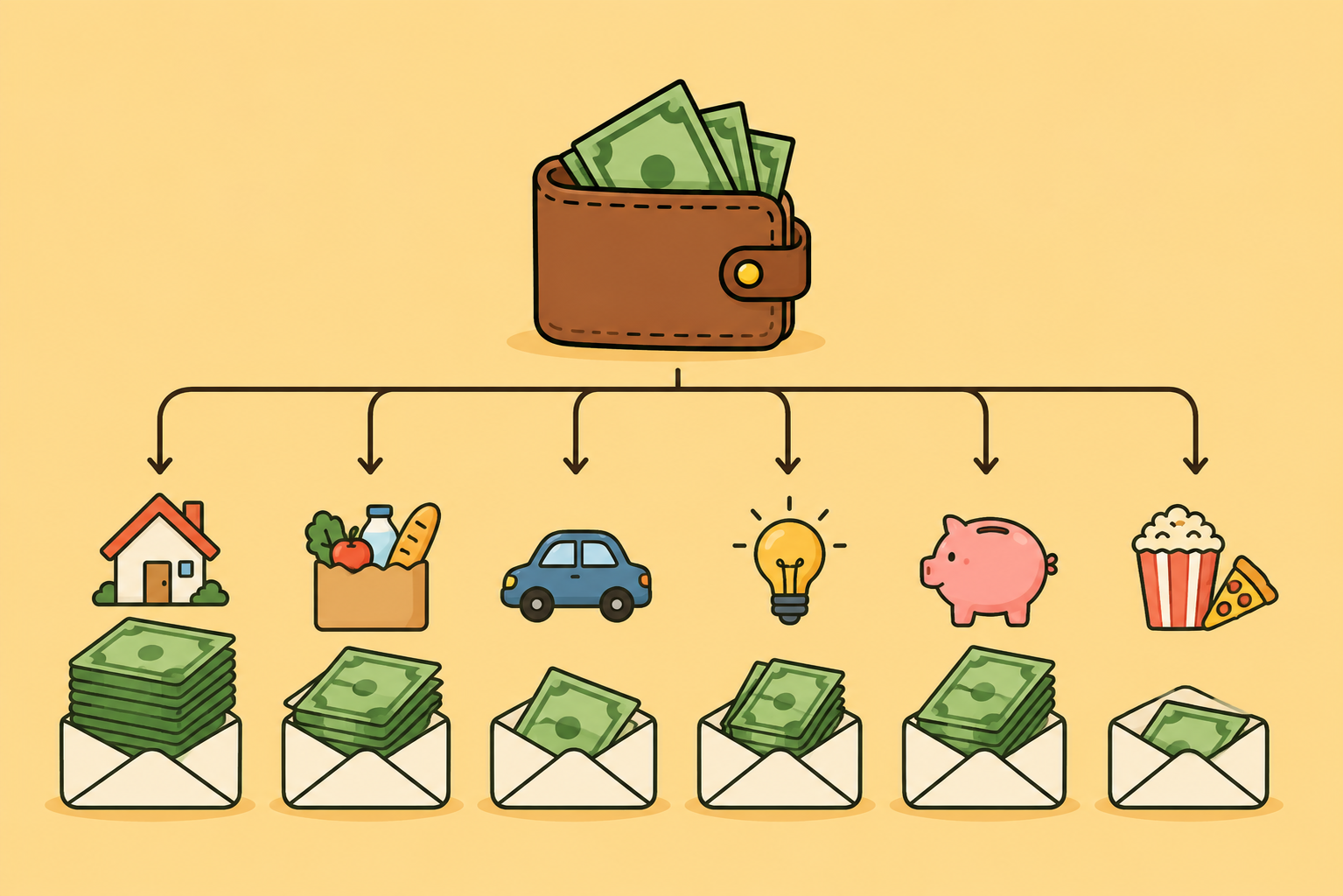
A bank balance includes money that may already have a job.
Some of it may be needed for a confirmed bill. Some may be part of your budget for the rest of the period. Some may be intended for a goal or a transfer between your own accounts. A pending card payment may not have fully left the available balance yet.
This is why a purchase can look affordable in the banking app but still make the week uncomfortable.
Safe to Spend looks at the financial plan rather than treating every dollar in the account as uncommitted.
It is also different from an account forecast. Safe to Spend asks what remains in the active budget. The account forecast estimates how the balance of an eligible account may change as known income and commitments arrive. Both are useful, but they answer different questions.
How Fireball calculates Safe to Spend
The calculation changes slightly with the budgeting method you use.
With Single Budget, Fireball starts with your total budget limit for the period. It then accounts for:
1. Completed spending
2. Relevant regular payments that are still due
3. Required transfer commitments
4. Planned goal contributions
5. Pending outgoing payments that should reduce the amount now
With Category Budgeting, Fireball uses the money left in the categories you have budgeted. If only some spending categories have budgets, the Safe to Spend figure has partial coverage. Spending in categories without a budget may not be included unless you also set a total budget limit.
With Flex Budget, Fireball first works out the flexible amount after planned fixed and occasional costs, required transfers and planned savings. It then accounts for flexible spending so far, fixed spending above the plan, regular payments still due and pending outgoing payments.
Fireball avoids subtracting the same loan repayment twice. Planned repayments reduce Safe to Spend. Interest and fees still appear as expenses elsewhere, but they are not deducted again from this figure.
You can open the information control beside Safe to Spend to see the calculation behind your own number.
A simple payday example
Imagine Aroha uses a fortnightly Single Budget of $1,200. Eight days remain in the current period.
So far, Fireball has recorded:
1. $420 of completed spending
2. $260 of confirmed regular payments still due
3. A required transfer of $100
4. A planned goal contribution of $100
5. $60 of pending outgoing payments
After those amounts are considered, Aroha has $260 left in the budget. Across eight remaining days, that is $32.50 a day.
This does not mean every future cost is guaranteed to be covered. Aroha knows she also needs new school shoes this weekend, and Fireball has no previous transaction or recurring commitment for that purchase. She decides to keep $90 aside mentally before judging what is available for anything optional.
The Safe to Spend number has still helped. Instead of making the decision from a $1,240 bank balance, she is starting from the $260 that remains after the commitments Fireball knows about.
Make the period match the way you are paid
Safe to Spend is calculated for the active budget period. If you are paid weekly or fortnightly, choosing the same period can make the number easier to understand.
When Fireball offers Align to payday, you can use it to make the budget period start around your regular payday. The days remaining and daily amount then follow that period.
If your budget is monthly but you are paid fortnightly, the figure still applies to the monthly budget period. It is not automatically a countdown to your next pay. Check Activity and the account forecast as well when the timing of income and bills matters.
If your income changes, review the recurring income Fireball has recognised before relying on a forecast. Expected income is not the same as money that has already arrived.
Before making a larger purchase
Safe to Spend can make the decision quicker, but a short check is still useful when the purchase is significant.
Ask yourself:
1. Is this number based on the correct budget period?
2. Are the important recurring payments confirmed and current?
3. Is there an irregular cost coming that Fireball cannot know about yet?
4. Is any expected income uncertain or likely to arrive late?
5. Would I still feel comfortable if the purchase cost slightly more?
If the answer is unclear, waiting is also a financial decision. You can check the forecast again after pending transactions settle or income arrives.
Keep the number visible with a widget
If Safe to Spend is the number you check most often, add the Fireball Safe to Spend widget to your iOS or Android Home Screen.
The widget can show the current amount without requiring you to open the full app. This is useful for small everyday decisions, particularly when several people in a household are trying to stay within one plan.
Open Home Screen widget settings in Fireball to preview it. Then use your device's widget picker to add Fireball to the Home Screen.
A widget reflects the information available in Fireball. If the budget is incomplete or the app needs current data, open Fireball and review the underlying details before relying on the widget.
Use alerts for a different kind of warning
Safe to Spend shows what remains in the budget. A Projected low balance alert watches an eligible account forecast instead.
You can choose the accounts to monitor, set a safety amount and ask Fireball to look ahead by 3, 7, 14 or 30 days. If the estimated balance may fall below that amount, Fireball can prompt you to check what is coming.
The forecast uses the available account balance and known upcoming activity. It cannot predict a new purchase, a bill Fireball has not recognised or income that arrives differently from the saved pattern.
Use Safe to Spend for the budget decision. Use the low balance alert as an early warning about account timing.
What if Safe to Spend shows zero?
Safe to Spend stops at zero. If spending and commitments are above the amount available, Fireball can show how much the plan is short by.
Zero does not necessarily mean the bank account is empty. It means there is no safe spending left under the current budget calculation.
Start by checking the details rather than increasing the budget immediately. A bill may be duplicated, a recurring item may have the wrong amount or a pending transaction may have settled. If the information is correct, the result is showing real pressure in the plan.
You can then decide whether to pause optional spending, adjust a contribution, change the budget or prepare for a genuine shortfall. The right response depends on your priorities. Fireball should make the tradeoff visible, not make the decision for you.
If the number does not look right
A bill is missing
Check whether the payment has been recognised and confirmed as recurring. New bills or changing payment patterns may need more transaction history or a manual review.
The number looks too low
Open the Safe to Spend explanation and check each deduction. Look for a recurring payment or transfer that is no longer expected, a pending payment that has changed or a goal contribution that does not match the current plan.
Do not remove a genuine commitment simply to make the number larger. Correct only information that is actually wrong.
The number looks too high
Check for categories without budgets, irregular costs and new bills. Category Budgeting can show partial coverage when some spending areas do not have a limit. A purchase Fireball has never seen cannot be reserved automatically.
The daily amount seems wrong
Check the budget period and the number of days remaining. Safe to Spend divides the current amount by the remaining days in that period, which may not be the same as the days until your next pay.
A transfer is being counted
Required transfer commitments can reduce Safe to Spend because the cash still needs to be available. A transfer is not ordinary spending, but it can still affect how much is available for other uses.
Common questions
Can I spend the full Safe to Spend amount?
It is the amount left under the calculation, not a guarantee that no other cost will appear. Consider any new or irregular expense that Fireball does not know about before spending the full amount.
Does Safe to Spend use my bank balance?
Safe to Spend is based on the active budget and its commitments. The projected low balance feature uses an eligible account balance and known upcoming activity. Do not treat the two figures as interchangeable.
Does pending income increase Safe to Spend?
Incoming payments wait until they are completed. Fireball does not make money safe to spend merely because it is expected.
Where can I find Safe to Spend?
It appears on Home when your budget setup supports the calculation. You can also see it in Budget and add the Safe to Spend Home Screen widget on iOS or Android.
A better number for today's decision
Your bank balance is useful, but it cannot tell which dollars already belong to bills, goals or the rest of the budget period.
Safe to Spend brings those parts of the plan together and shows what remains for the period and per day. It will not know every future cost, but it gives you a more honest place to begin than the balance alone.
Before the next optional purchase, open Fireball and check what the money still needs to do first.
Make the next money decision calmer
Turn what you just read into a plan you can track, adjust, and actually live with. Explore our free financial calculators or see how Fireball brings your finances together.