What's new in Fireball 1.5: Family, your first home and your colour
Fireball 1.5 brings a Family plan, first home deposit goals, six accent colours, smarter budgets, better imports and an upgraded Ask Fireball.
Fireball 1.5 is here. This release lets you bring your family onto one plan, gives first home buyers a goal built around KiwiSaver, lets you make the app your own colour, and makes your budget line up with what is really in your bank account. Here is what's new.
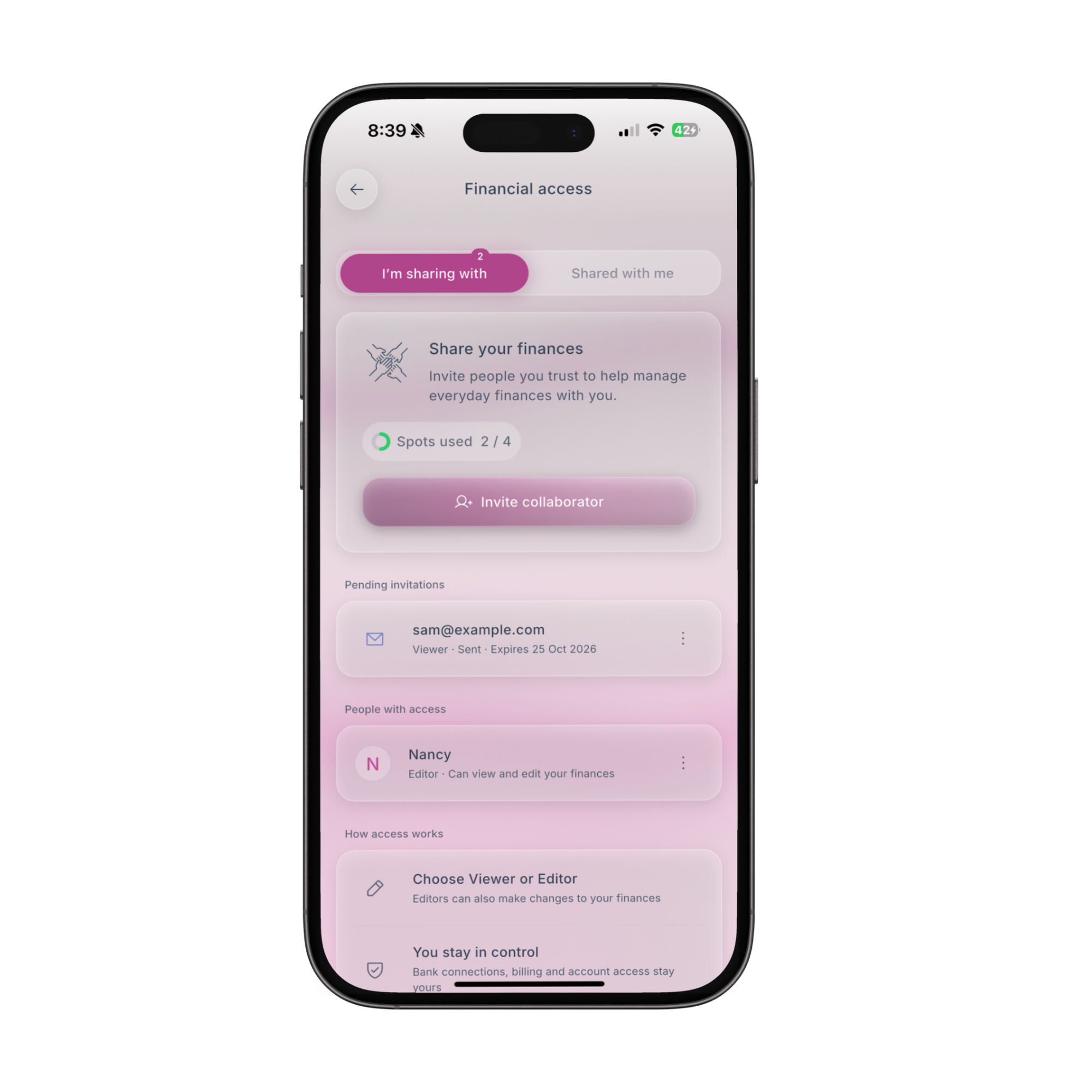
Bring your family
The new Family plan covers up to five Fireball accounts on one bill. Each person keeps their own private Fireball, with their own accounts, budget and goals. Family is about who pays. What anyone can see is still up to them, and Fireball explains the difference when you set it up.
- NZ$16.99 a month or NZ$149 a year for up to five people.
- Buy it where you like. On the web, or in the app through the App Store or Google Play.
- 30% off your first year on the web. First time customers who sign up on the website also get a free trial.
- Invite in a tap. Send invitations from Profile in the app or by email, and new members get a proper welcome.
- Stay in the loop. The payer hears when someone joins or a place frees up, and can resend an invitation that got lost.
- Fair upgrades. Already paying for Fireball? Moving to Family charges only the difference for the rest of your billing period.
Plan your first home
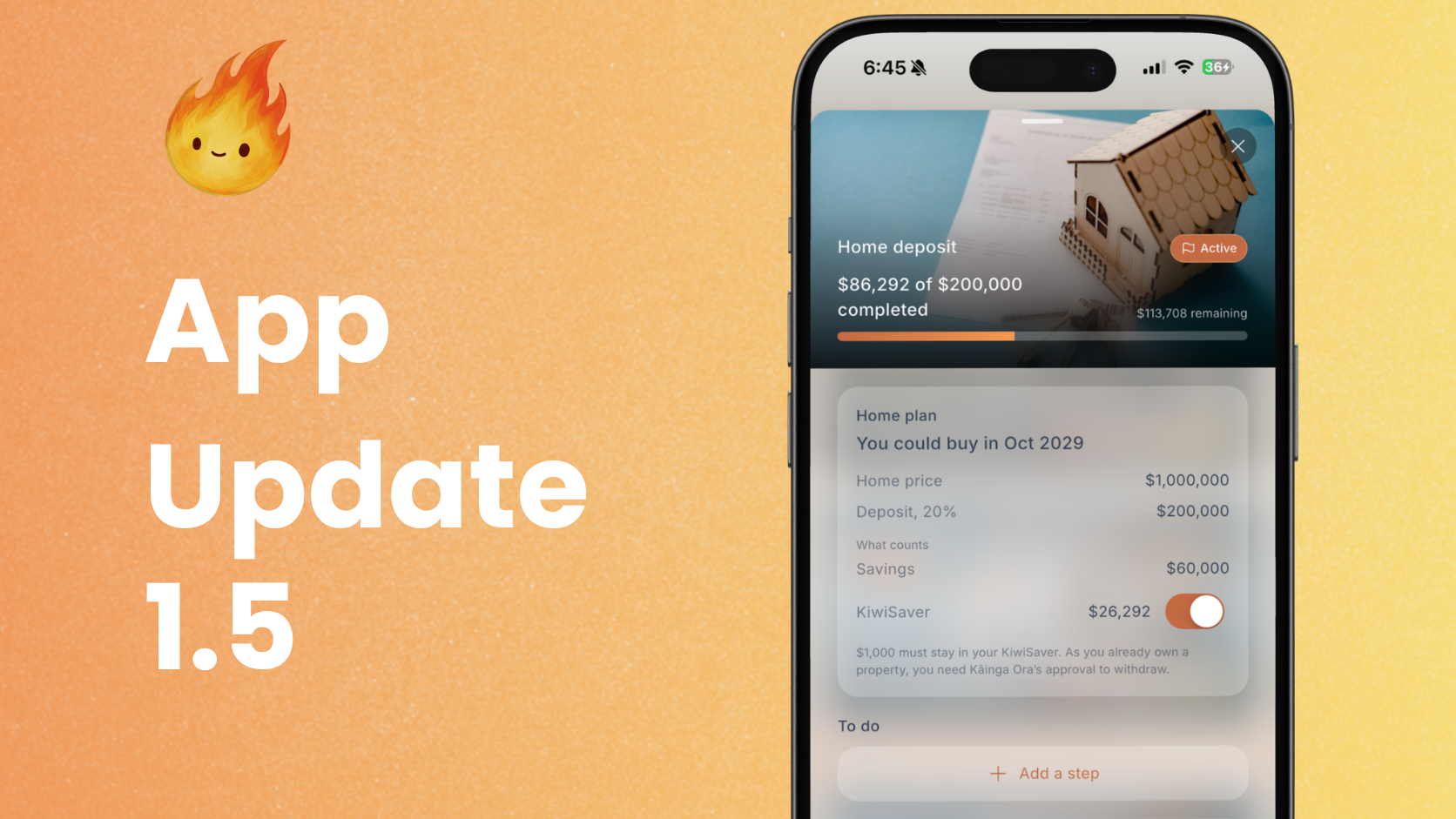
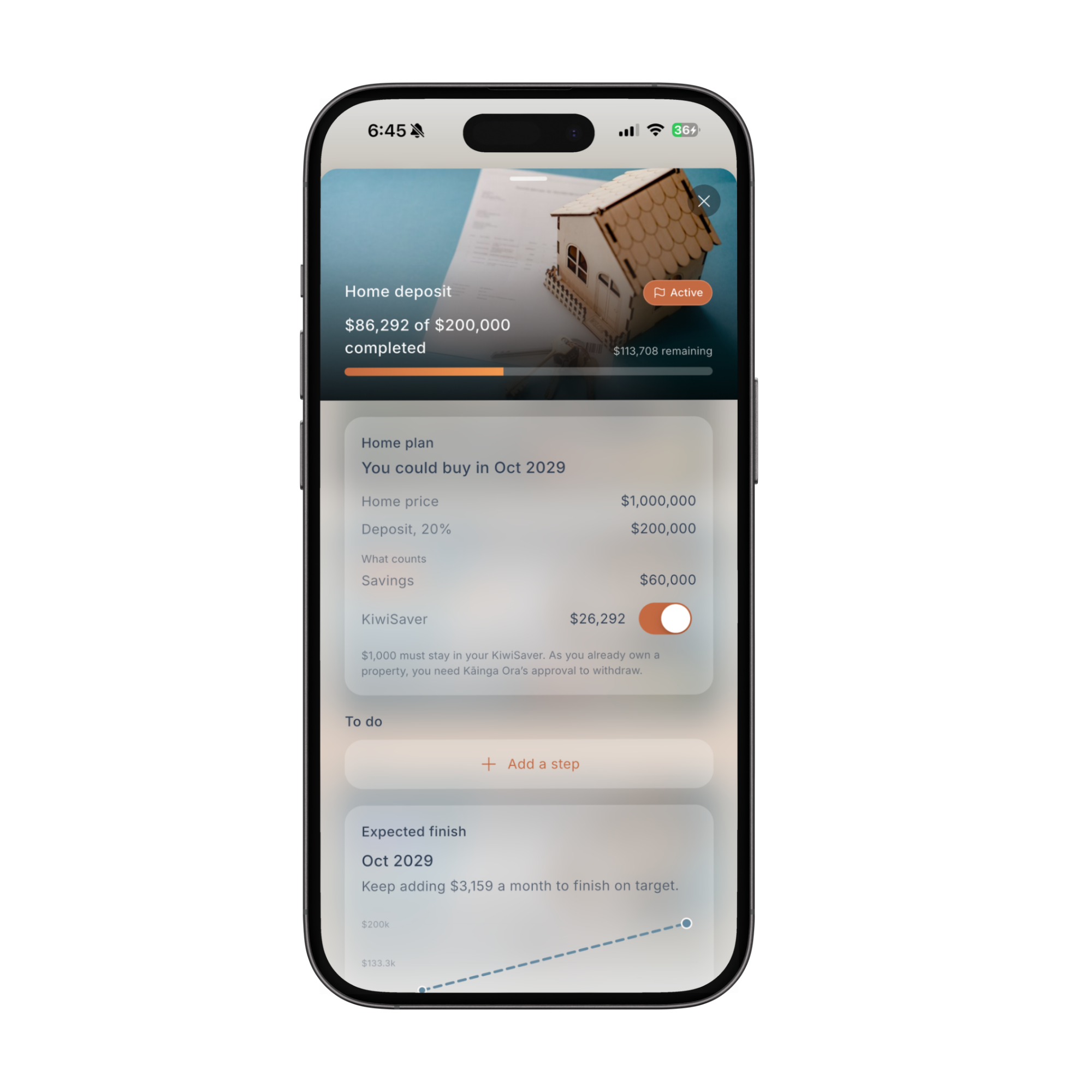
Saving for a first home is different from any other goal, because it is the one thing you can usually take your KiwiSaver out for before 65. Fireball now treats it that way.
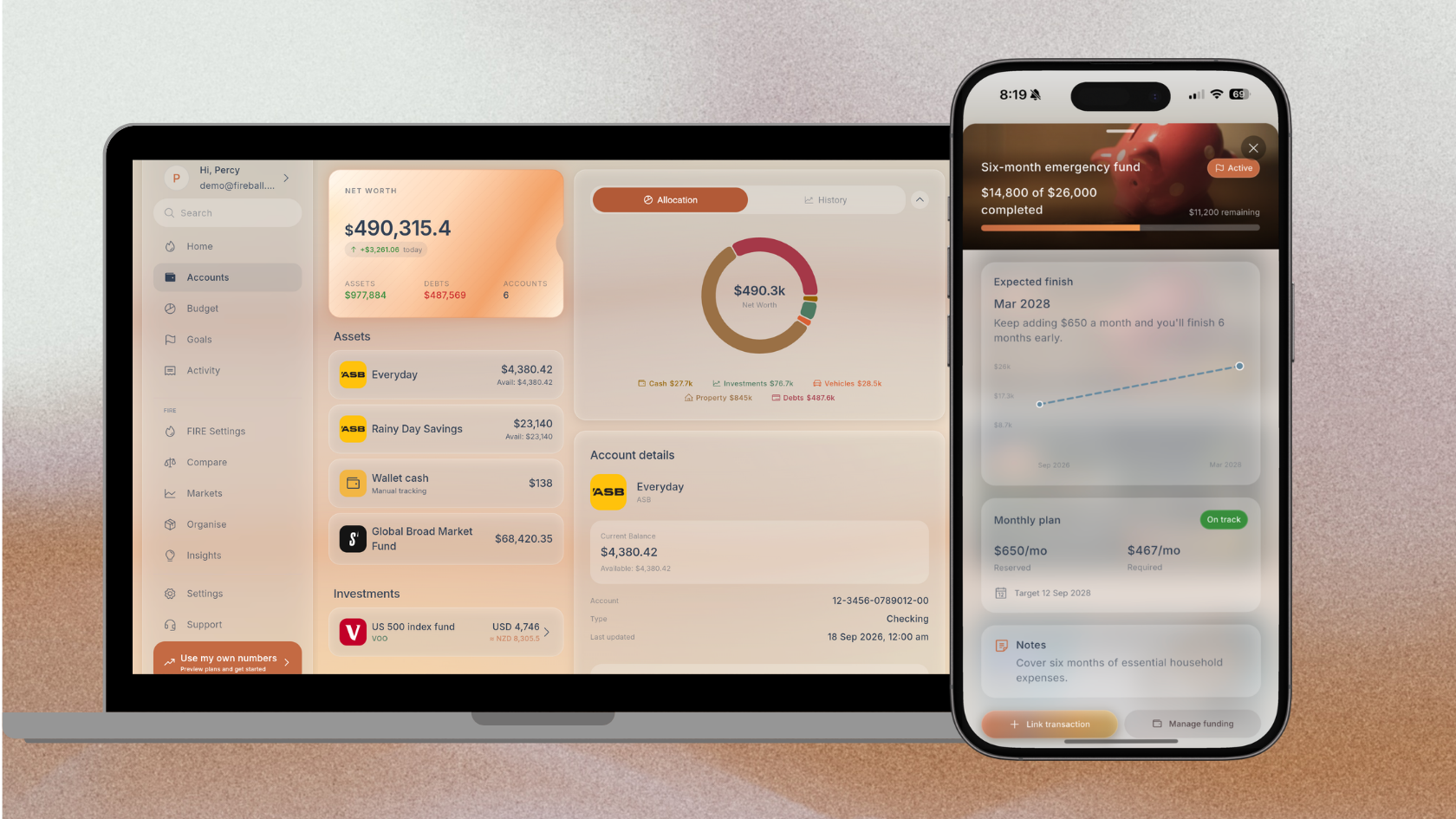
Give a savings goal a home plan and it becomes a home deposit goal. Tell Fireball roughly when you want to buy and what the home might cost, and it works out the deposit you need. You can count your KiwiSaver towards it with its own switch, and Fireball offers to add the savings you already have, so you can see how close you really are from day one.
Pick your colour
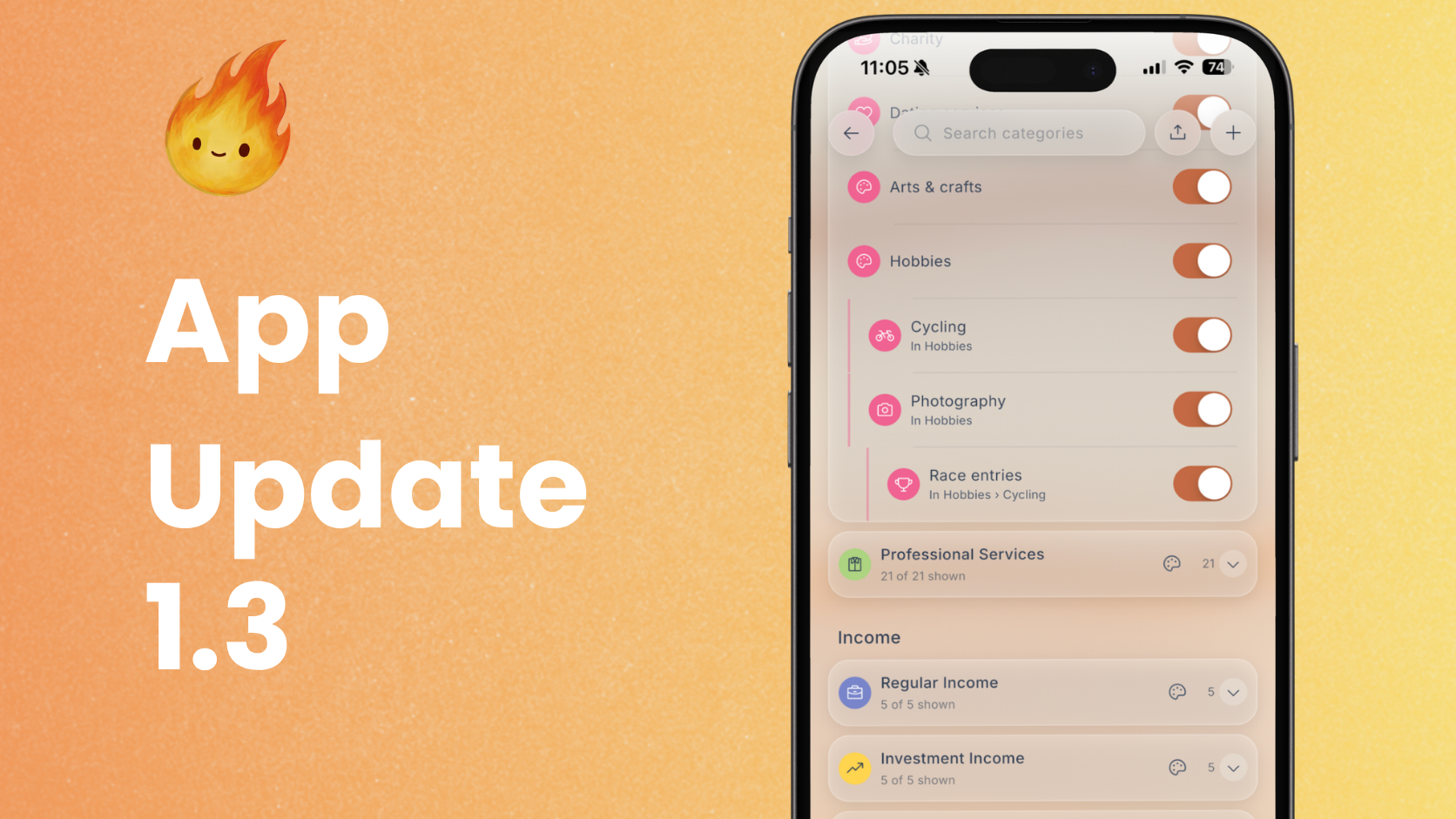
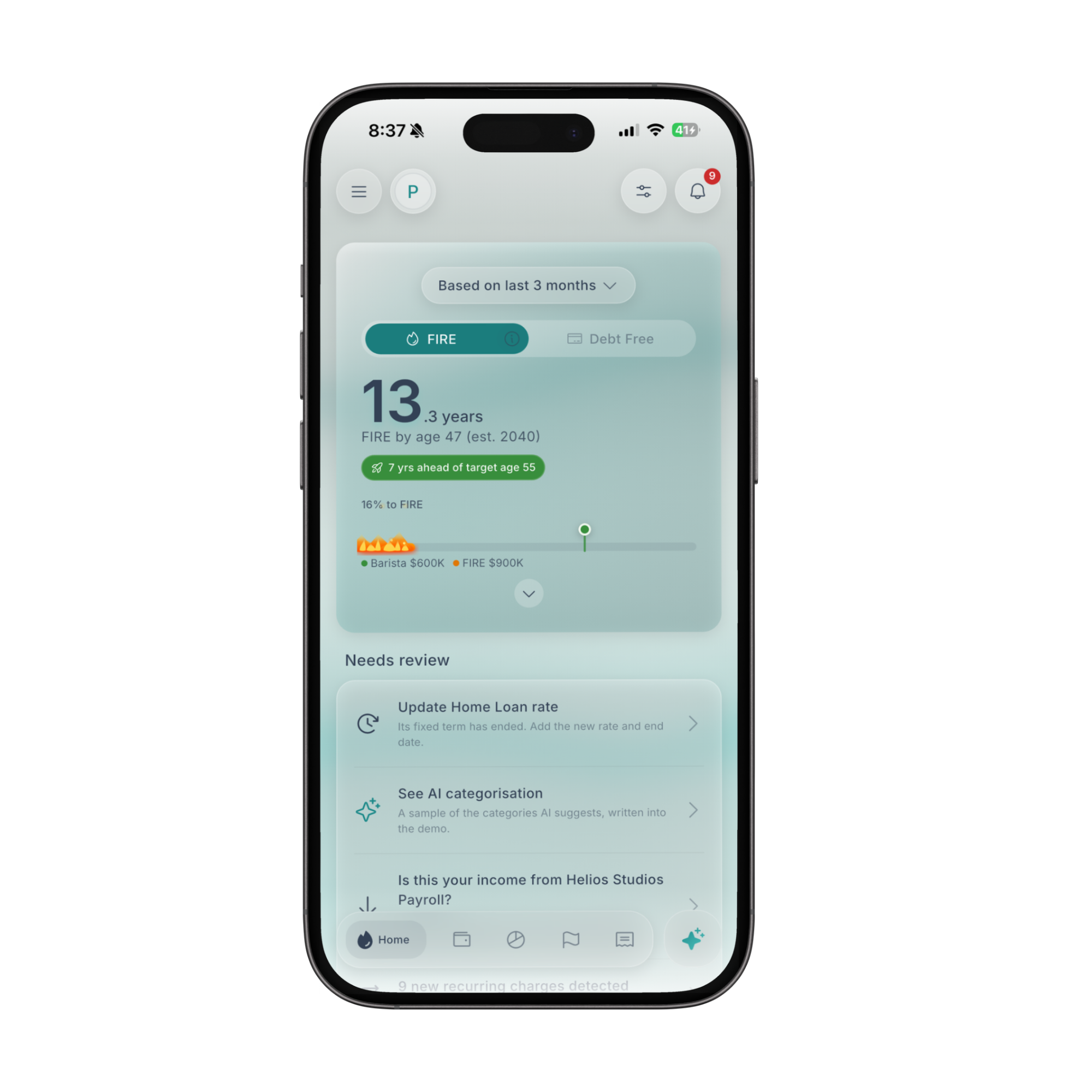
Fireball no longer has to be one colour. Choose from six accent colours in Appearance, and buttons, charts, cards and your home screen widgets all follow it. Your choice is saved to your account, so it follows you to every device.
If you use Fireball on a tablet, a laptop or the web, it also makes better use of the space now. Home, Budget, Insights, Bank Connections and Organise have wider layouts with room to see more at once.
A budget that matches your bank account
This release is about making what Fireball says you have left line up with what is really in your account.
- Extra payments come off what is left. Pay more off a debt than your Pay down plan, top up a goal, or invest from your everyday account, and that money comes off what is left to spend, shown as extra paid. Before, it could look like money you still had.
- Pay that comes less often is spread evenly. Paid monthly but budgeting weekly? Each week now gets its fair share, instead of one rich week and three empty ones. Savings transfers that happen less often than your budget are spread the same way.
- Category budgets count only your categories. If you set limits on a few categories, Category Safe to Spend now measures just those. Savings transfers and other spending no longer eat into it, which often left it showing zero. Spending without a budget shows separately under Everything else.
- A fairer Flex forecast. The Flex forecast now counts your Flexible amount as part of the plan, so a healthy Flex budget no longer shows as over budget on the Budget Pulse widget.
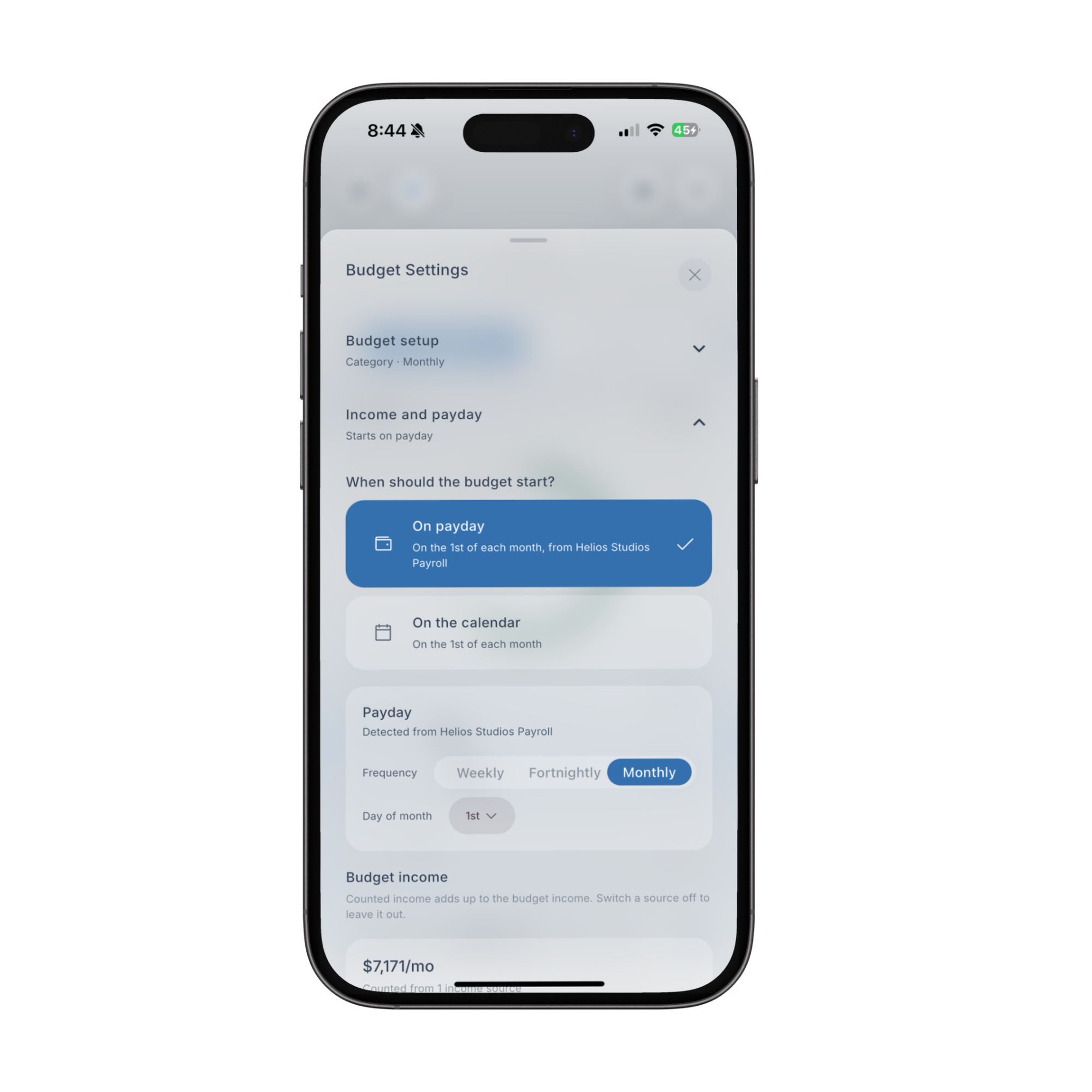
- Choose which pay your budget follows. If you have more than one regular pay, you can now pick the one your budget starts on, instead of Fireball always using the largest. The start question is simpler too, and tells you the actual day your budget begins.
- Debts in your budget. Debt repayments show as a line in your budget's details, and tapping it opens each debt.
- Six months at a glance. Each budget's details now show six months of bars.
- Neater numbers. Switch a budget from monthly to weekly and back, and you get your original amount, not one cent off.
- Late pay, handled. If your pay is late, Fireball counts down to when it is next due instead of saying today.
Ask Fireball, now on Claude
Ask Fireball now runs on Claude by Anthropic, and it knows your money better than before.
- It remembers. Tell it something that matters, like a big trip next year, and it keeps it in mind for later chats. You can turn this off at any time.
- Any period, real figures. Ask about last March or the past six months and it answers from the same figures the app adds up. It can also look through one account's transactions, or total what one person paid you.
- Refunds and paybacks. Questions about money coming back are answered from the matches Fireball has already made, so the answer agrees with the app.
- Unfamiliar shops. If a payment has a name you do not recognise, Fireball can look it up on the web and shows where the answer came from.
- More room. The weekly allowance for Ask Fireball is bigger, and categorising your transactions no longer uses it up.
Compare any two points on a chart
Put two fingers on an account, net worth, price or goal chart, or click and drag with a mouse, and Fireball highlights the stretch between them and shows how much it changed, in dollars and percent.
Banks, imports and accounts
- Possible doubles. If the same transaction might be in Fireball twice, it shows up in Needs review for you to settle, and transactions your bank withdraws are removed for you.
- Bounced payments. A payment your bank returned now counts as a transfer, not as spending.
- Better imports. Import from Excel, move over from YNAB as well as PocketSmith, and Fireball remembers your file's columns for each account.
- Slow banks. If your bank takes longer than usual to send your history after you connect, Fireball tells you, and can notify you when it arrives.
- Recent activity on accounts. Each account's details now show its latest transactions, with a link to the rest.
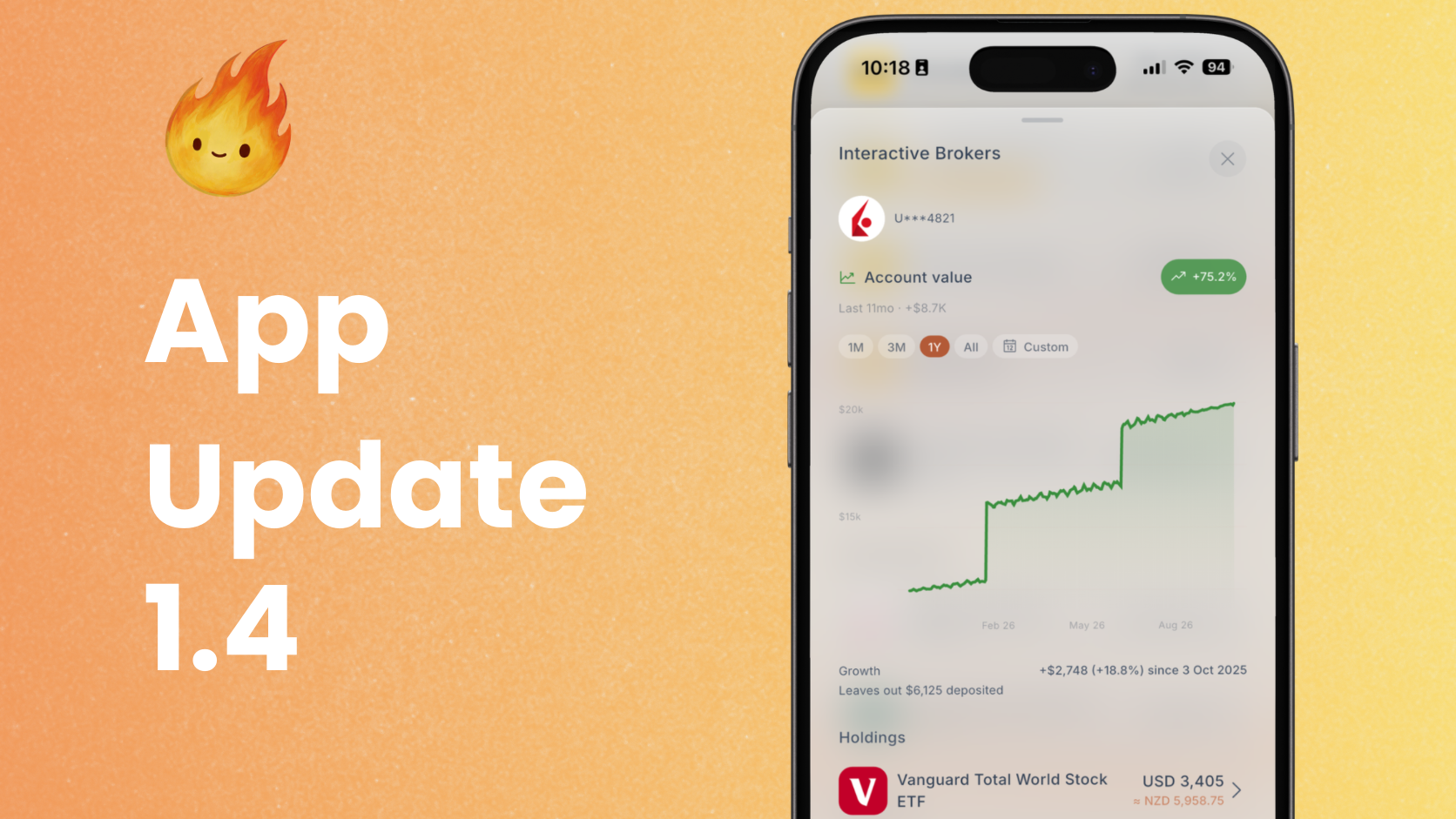
- Interactive Brokers. Deposits and withdrawals show as transfers, each purchase keeps what it cost, overseas shares show their cost for FIF, and reminders to renew your connection now arrive as a notification.
- Live prices. Investment prices refresh every minute on Accounts while markets are open, with a green dot to show it.
- Ended bank links. Accounts from a bank you disconnect stay in Fireball as saved history.
Recurring and categories
- One item per charge. Different regular charges from the same merchant are now tracked separately, and keep the names you give them.
- Recurring transfers. A transfer you enter by hand can be marked as recurring.
- Help Fireball recognise shops. When you categorise a shop Fireball did not know, it may ask once whether you would like to share the shop's name to help everyone. It is entirely optional.
Home, FIRE and Insights
- Monitors on Home. Pin any monitor to Home as a figure, a trend or progress toward an amount. Free for everyone.
- What's new on Home. After an update, a card on Home shows what changed.
- Recent and upcoming. Your three latest transactions now sit on Home.
- Official NZ Super rates. FIRE now uses the official after tax NZ Super rates from 1 April 2026, instead of rounded estimates.
- Clearer debt trends. Credit card debt is now compared with the same day three months ago, so a card you pay off every month no longer looks like rising debt.
- Calmer Pay down. Plans that would never pay off no longer show runaway interest, and when every payoff order gives the same result you get one simple line.
- Cash Flow. Opens on your five largest rows, with Show all for the rest.
- Goals in other currencies. Goal targets in another currency now convert on Home and the goal widget.
Also in this release
- Accurate to the cent. Every total in Fireball is now added up in whole cents, so totals and their parts always agree, and amounts always show both decimals, like $58.50.
- On the web. Hover highlights, a Refresh button in the top bar, Priority support as a chat window, and the app reloads itself when an update is needed.
- Clearer widgets. Home screen widgets are easier to read and clearer when there is nothing to show yet.
- Adding banks. You can now set up more banks in a row before being asked to wait, and the message says so plainly.
- A clearer paywall, with Free trial tags for people who can still claim one.
- Faster and smoother. Fireball opens quicker, Home, Accounts and Categories load faster, and long screens and sheets scroll more smoothly.
Get the update
Fireball 1.5 is available now on the App Store, Google Play and the web. Update the app to get started, and tell us what you think.
Make the next money decision calmer
Turn what you just read into a plan you can track, adjust, and actually live with. Explore our free financial calculators or see how Fireball brings your finances together.