Fireball 1.3: Categories that fit your life, easier imports and a smarter budget
Fireball 1.3 lets you nest and organise your own categories, bring your categories and rules across from PocketSmith, roll budgets over and see your tags in Insights.
Everyone has their own way of organising money. You might keep groceries in one category, split household bills into smaller groups, or have years of history in another app that you want to keep.
Fireball 1.3 gives you more freedom to organise your categories, bring your history with you and plan for spending that changes from month to month.
Organise your money your way
See the big picture and the details
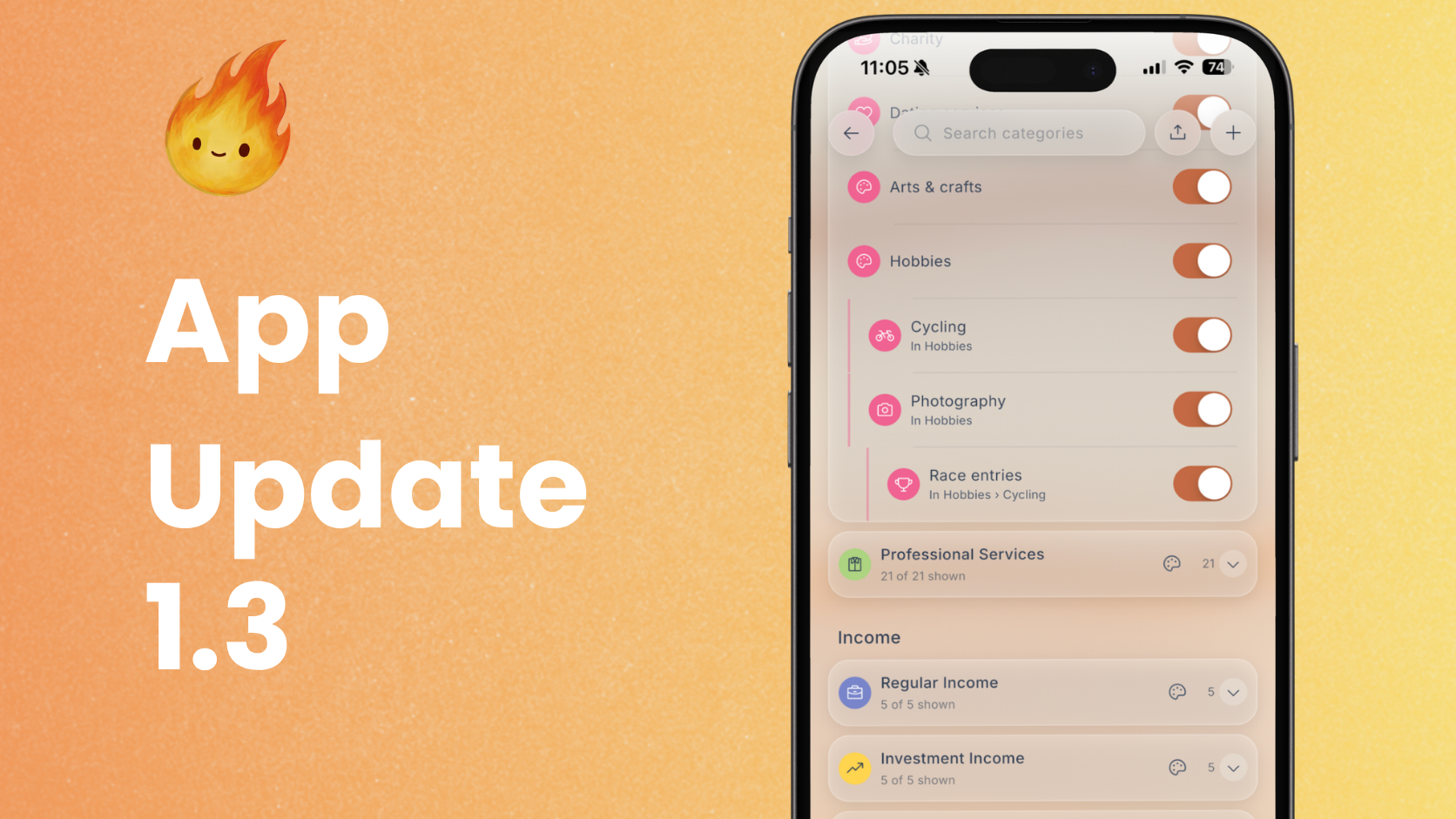
You can now group custom categories inside other categories. For example, keep Power, Internet and Water under Utilities. Check the total cost of your household bills, then look at each one separately to see what changed.
Reports and budgets include the categories inside each group, so you can move between the overview and the detail without adding everything up yourself.
Your custom categories can have their own colours and appear alongside Fireball’s built-in categories. Whether you want a Family group for childcare and school costs or a separate place for a favourite hobby, your setup can reflect your life.
Rearrange without the guesswork
The new Organise categories screen lets you drag categories into groups or put them in the order you prefer. Search helps you find a category quickly.
Try a new layout, undo a move if it does not feel right, and choose Save when you are happy. Your changes are only saved when you choose Save.
Bring your history with you
Less setup when moving from PocketSmith
You can now import your PocketSmith categories and rules, including categories grouped inside others. Fireball reuses matching built-in categories where possible to help avoid duplicates.
For example, bring across the rule that puts payments to your electricity provider into Power. You can check which transactions it would affect before applying it, instead of rebuilding the rule from scratch.
Fireball asks you to review similar names and conflicting rules before saving. Find Import categories and Import rules in Data Management.
Look beyond the last few months
Your bank may only share a limited amount of history. You can now import older transactions from a file into an account that is already connected to your bank. Fireball shows where the file overlaps with the history your connection already covers.
Bring in last winter’s transactions, for example, to compare heating costs across winters. A longer history gives you more context for understanding what is normal and what has changed.
Categories from your file can also carry across to matching bank transactions, with a review before you apply them.
An import does not have to be final
Import History lets you review recent imports and preview an undo later, even if you have closed the app since importing.
If you chose the wrong file, you can see what will be removed before continuing. Imported transactions you have since edited are kept, so correcting an import does not automatically erase that later work.
Large imports are supported too, including imports and undos of more than 1,000 transactions. Your history matters: several years of records can reveal patterns that a few recent months cannot.
Plan for spending that varies
Carry unused budget into the next month
You can now turn on rollover for each Flex budget. Money left over in one period carries into the next.
For example, start with a $200 monthly clothing budget and no previous rollover. Spend $120, and the remaining $80 carries forward. With the same budget next month, you have $280 available for something bigger, such as a winter coat.
Overspending carries forward too, reducing what is available next period. The budget card shows the amount carried over separately, so it is clear how much came from your usual budget and how much came from the previous period. As we understand spending may very much fluctuate between budget periods.
Know what is ahead
Fireball can notify you when a new budget period begins and open a summary of the period ahead. It can also prompt you to add a budget when you start spending in a category without one.
Budget setup shows income in the rhythm you use, whether that is weekly, fortnightly or monthly, so there is less calculating to do yourself.
Make sense of your spending
See the full cost of a holiday or project
The new Tags report in Insights brings related spending together across categories.
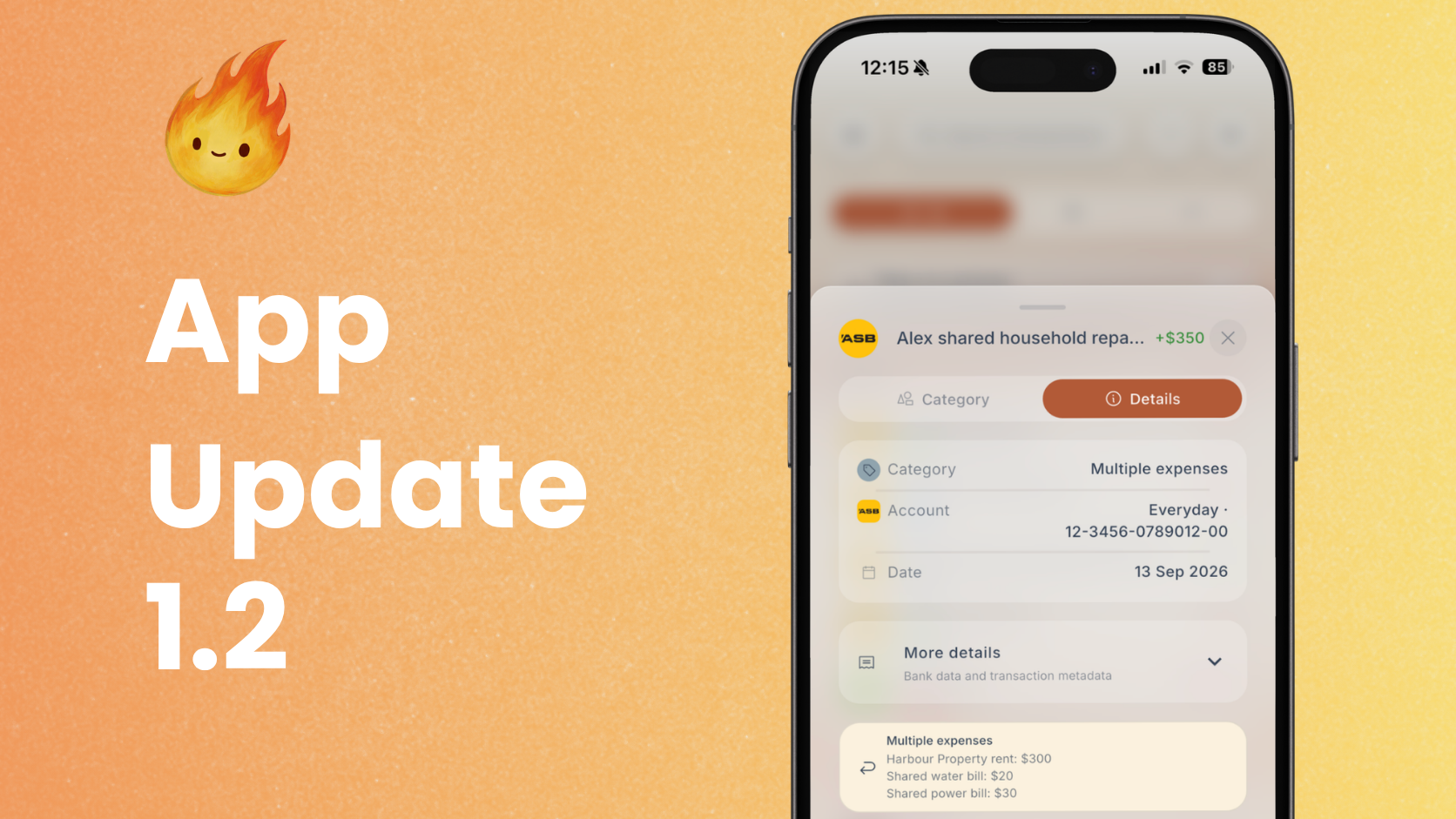
Tag flights, accommodation and meals with the same holiday tag to see what the trip cost, while keeping your usual categories. The report shows money in, money out and the difference for each tag. Transfers and investments are excluded.
The Tags report is available on the Free Plan.
Keep useful numbers close
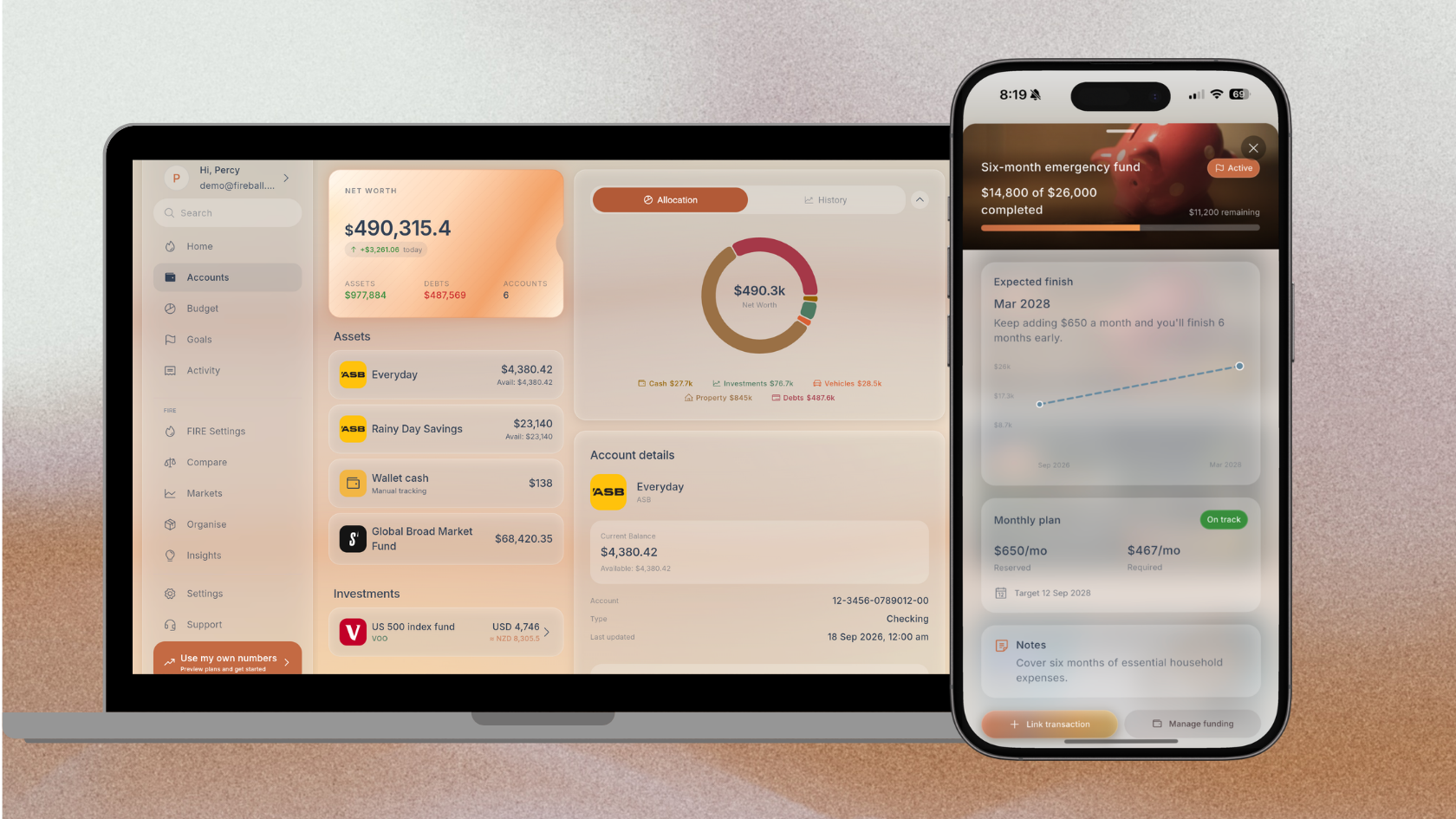
Active goals now appear on Home, so you can check your progress when you open Fireball.
Selecting transactions in Activity now shows their combined net amount. Select a $150 purchase and its $40 refund, for example, to see the $110 cost without reaching for a calculator.
Clearer answers from Ask Fireball
Ask Fireball now explains more with charts, including budget and goal progress, and a short takeaway to help you understand the numbers.
You can also explore questions about financial independence, such as how saving more each month could change when you can retire. Scenarios have clearer names, making them easier to compare.
Conversations are easier to follow, and answers to “can I afford it?” make better use of Safe to Spend and your cash balances.
Ask Fireball requires paid access and your consent to AI features.
Open the Fireball web app or explore Demo with fictional data.
Make the next money decision calmer
Turn what you just read into a plan you can track, adjust, and actually live with. Explore our free financial calculators or see how Fireball brings your finances together.