What's new in Fireball 1.6: home values, retiring abroad and Owed to yourself
Fireball 1.6 brings automatic home value updates, retirement abroad planning, Owed to yourself, Cash runway and smarter loan repayments, plus fixes.
Fireball 1.6 is here. Your home's value now keeps up on its own, your FIRE plan can price a retirement in another country, and money you borrow from your own savings finally has a place to live. Fireball also gets a Cash runway card, proper repayments for loans you added by hand, and a long list of fixes. Here is what's new.
Home values that keep up
A home you own is often the biggest number in your net worth, and until now it only changed when you typed a new figure. Fireball can now move it for you.
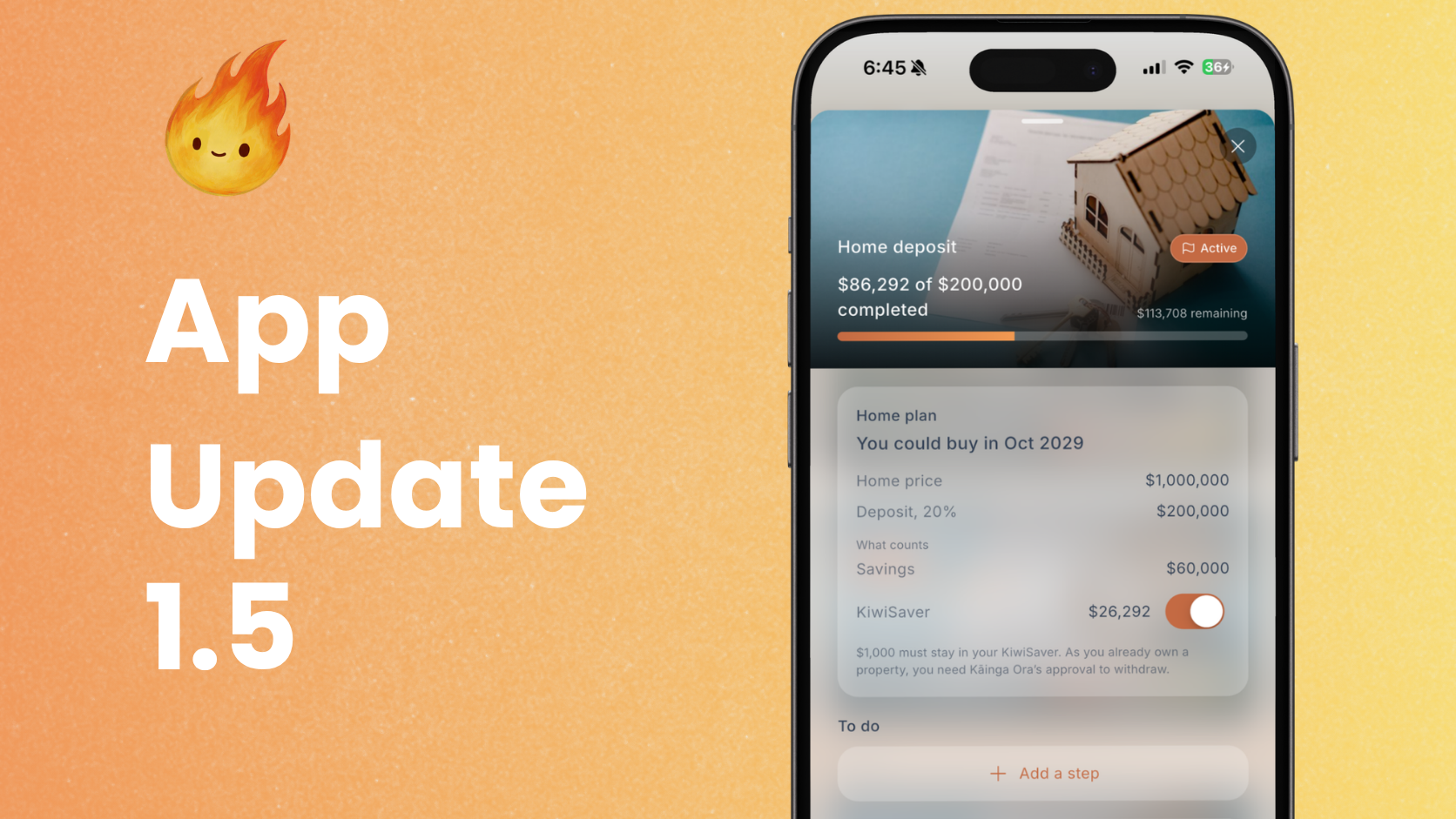
Add a property by address and Fireball places it in its area, then moves its value each month by the government house price index for that area. In Auckland, Fireball starts from the council's rating valuation where it can find one. If your address shares a street number with other units, it shows you the council's units and lets you pick yours. Everywhere else it starts from the value you enter. Already have a property in Fireball with its address? Edit it, turn on Keep up to date automatically, and it carries on from the value you saved.
Not every area is covered yet, and Fireball tells you when yours is not.
Plan to retire abroad
Retiring somewhere cheaper can bring your FIRE date forward by years. Now your plan can show you how many.
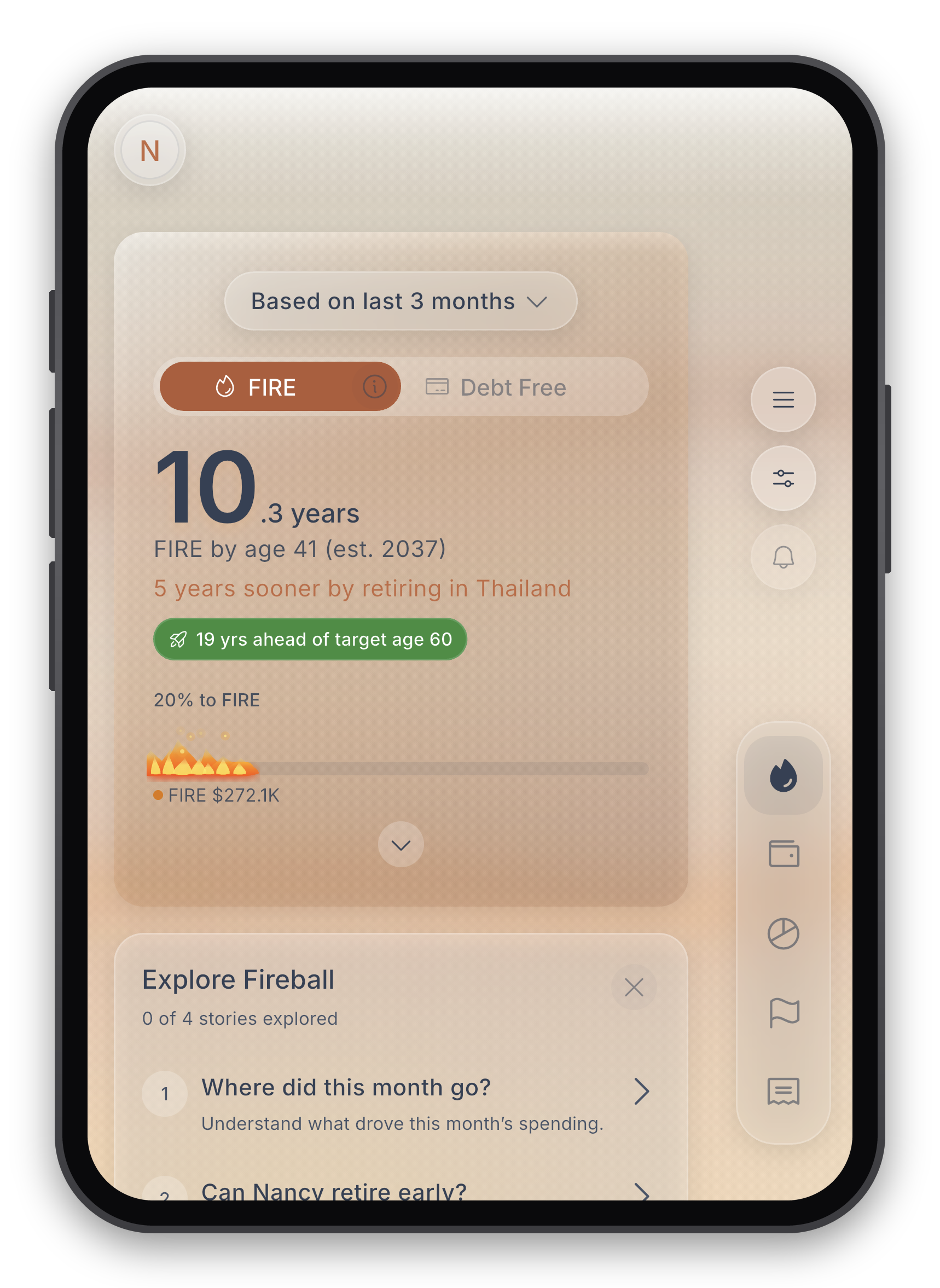
Pick a country in FIRE Settings under Where you'll retire. Fireball then prices your retirement spending at that country's prices, and counts only the part of your NZ Super that is paid there. The FIRE card on Home adds a line such as "9 years sooner by retiring in Thailand", and tapping it shows both plans side by side.
Owed to yourself
Sometimes you dip into savings for a big expense, then want to put that money back.
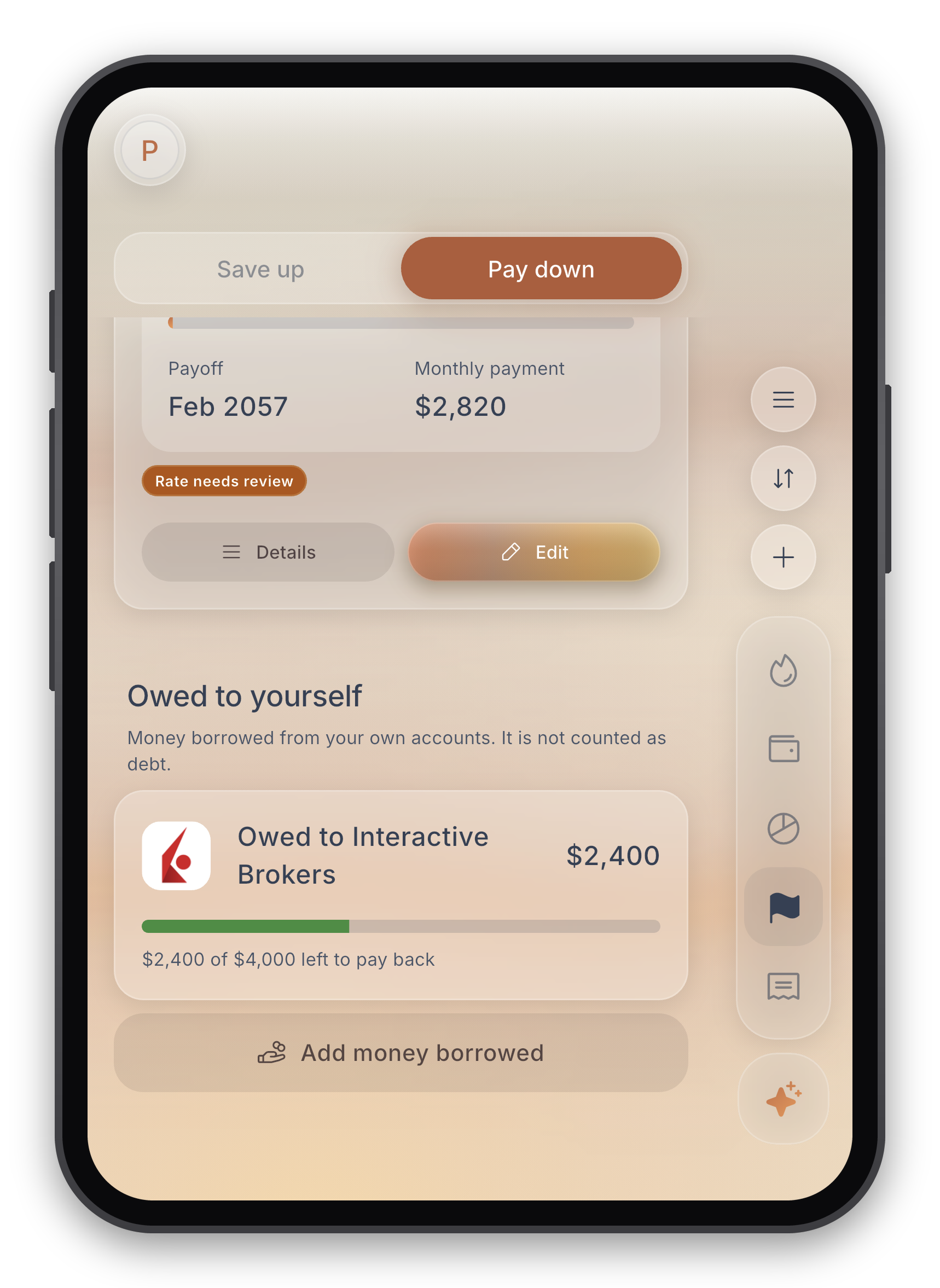
With Borrowed from myself, Fireball tracks the amount under Goals → Pay down. See how much you took, what you have put back and what remains. You choose which payments count as repayments, so a regular top up does not clear it by accident.
You can also track money borrowed from an investment account, a holding or Interactive Brokers. It stays separate from actual loans, so the amount owed to yourself does not add debt or reduce your net worth, and it does not affect your Debt Free date.
Cash runway
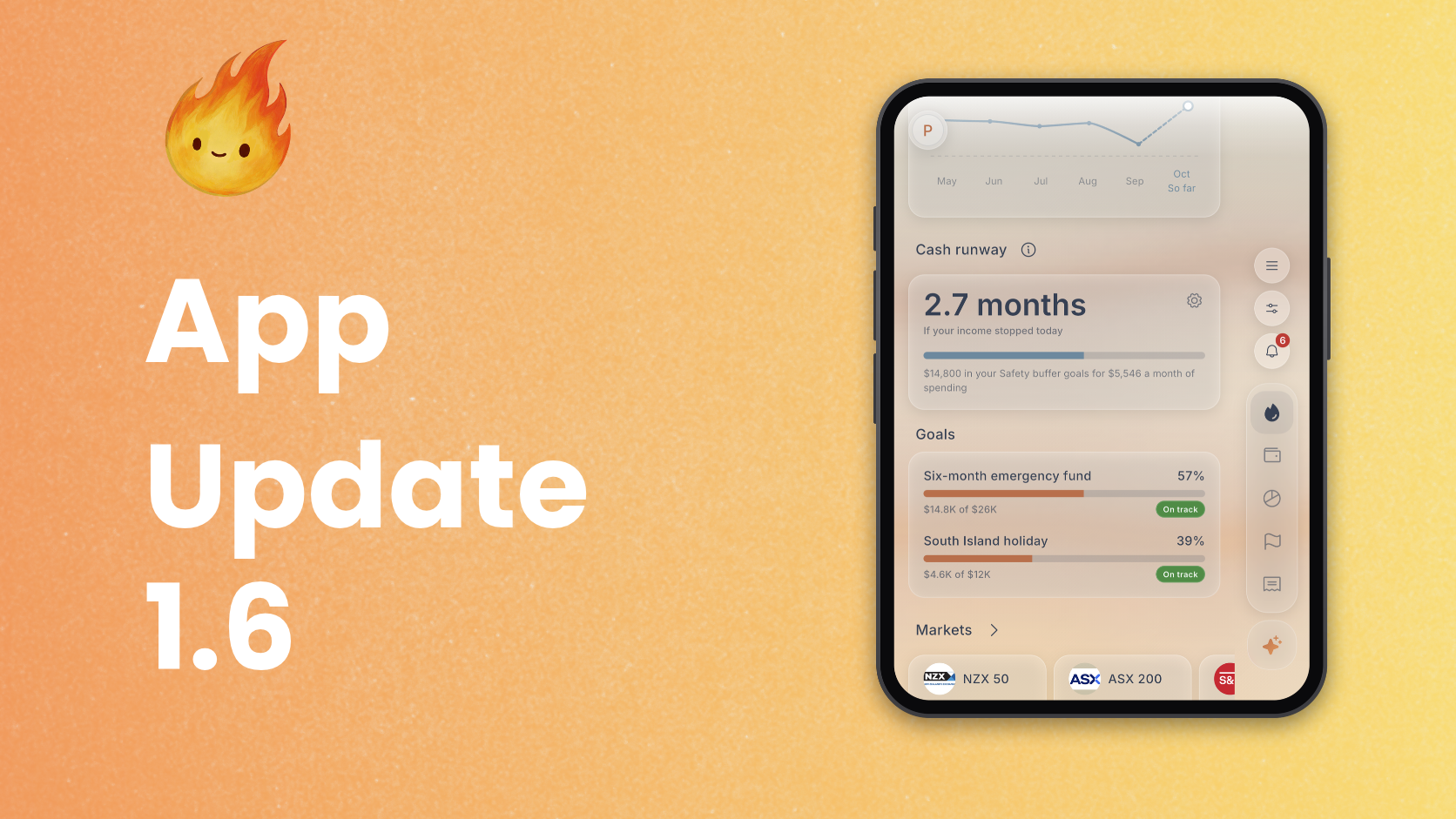
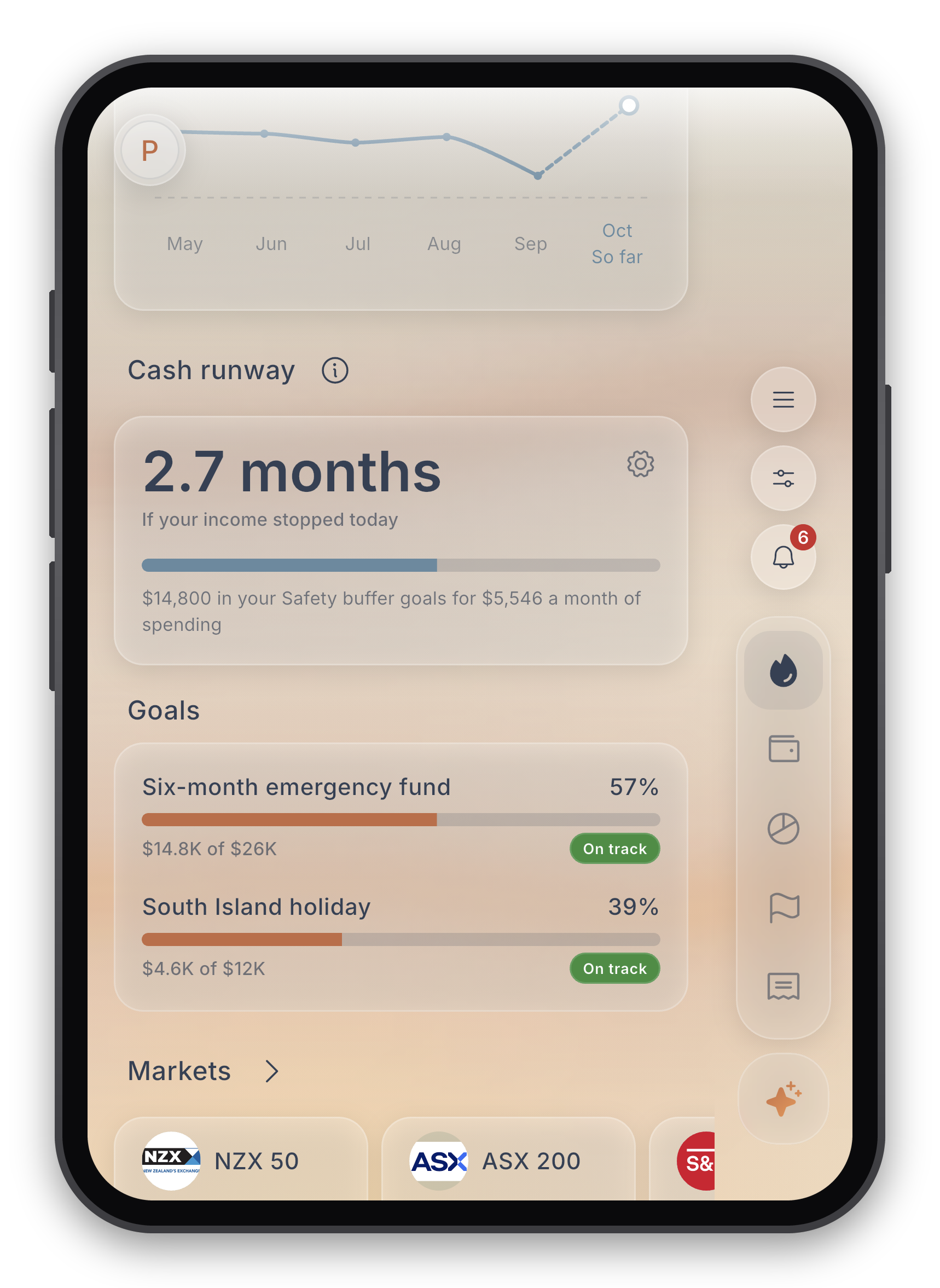
A new Cash runway card on Home shows how many months your money would last if your income stopped. Set your emergency spending, choose whether the bar fills at 3, 6 or 12 months, and pick which accounts count. Cash accounts count by default. Term deposits, investments, KiwiSaver and Interactive Brokers holdings can be turned on, and so can the spare room on revolving credit. If you have Safety buffer goals, Cash runway counts the money they hold instead.
Repayments for loans you added by hand
A car loan with a finance company Fireball cannot connect to used to sit still until you updated its balance. Now repayments from your bank can bring it down.
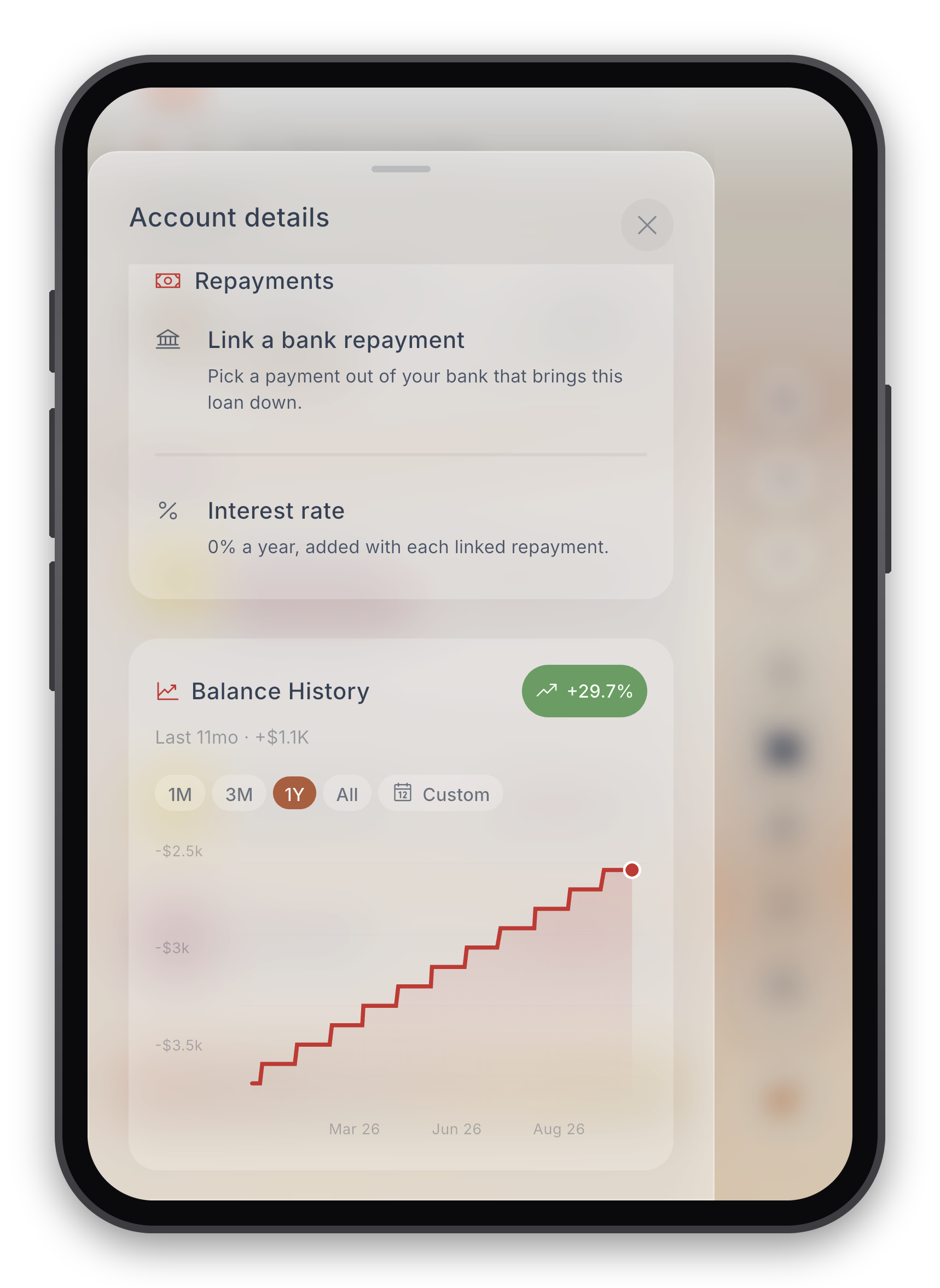
Open a payment from your bank account and choose Pays off a loan, then pick the loan. Fireball records the repayment on the loan, and can bring in earlier payments too. Linking it saves a rule, so the next one is linked for you, and you can change the rule in Rules, for example to match any amount. Each hand added loan now has its own Repayments, the Debt Planner uses your linked repayment as the monthly payment, and Needs review lets you know if one is running late.
Made for iPhone Duo
Fireball now fits the folding iPhone, closed or open. On the cover screen, navigation moves into the side strip beside the display, and back and close buttons sit there too, the way Apple's own apps do it. Fireball turns sideways on the Duo, keeps clear of the camera and rounded corners, and holds your place, half finished forms and open sheets when you fold or unfold it. Opened up, Insights, Cash Flow and category reports use the full width.
Budgets
- Weekly costs. A category budget can now be worked out from a weekly cost and a day. Spend $285 every Monday? A month with five Mondays gets $1,425, and a month with four gets $1,140.
- Flex setup does more. Change budget amounts and your Flex money right from Flex setup, and your draft is kept if you leave part way.
- Home follows your budget. Spending pace and savings rate on Home now follow your budget period, with real dates and "last period" comparisons.
- Rings that show what is left. Home's budget rings now fill with what you have left, Flex budgets lead with Flexible and Occasional, and each budget shows under Safe to spend.
- Loan interest counted once. If a loan's interest might be counted twice in your budget, Fireball asks first.
- Clearer plans. Extra investing is now called Invested above plan, a zero based plan leads with what you have assigned against your income, and your budget start day now sits under On the calendar.
Home and accounts
- Check in cards on Home now scroll side by side, with the next one peeking in.
- Group your accounts by bank or by account type from View options, and sort accounts, holdings and Interactive Brokers together.
- Loans linked to assets. Link a loan to an asset you added by hand, like a car, and see your equity in it.
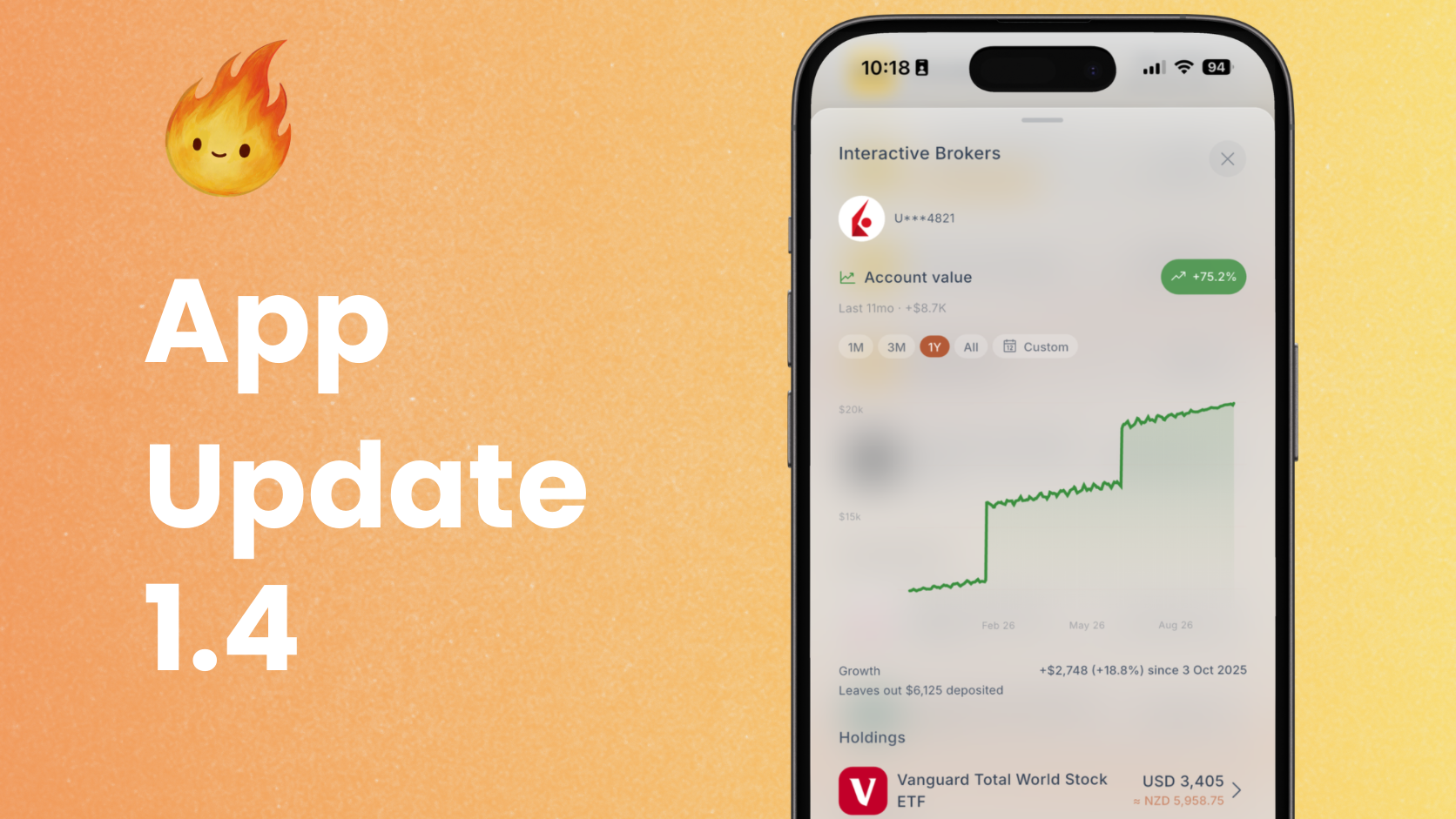
- Interactive Brokers shows one Growth figure for the chart's range and a plain Cost basis.
- Smarter imports. Fireball reads what each column holds even when the headings do not match, and a few repeated rows no longer fail the whole import.
- Priority support replies. You now get a notification when support answers your chat.
Recurring and instalments
- Buy now pay later, handled better. Late Afterpay and Klarna payments are counted in the order the provider collects them, each provider's own late fee is recognised, and late payments no longer land on another plan.
- Your own recurring items. Items you add by hand now match their payments and are not suggested to you again.
- Fewer split series. Charges whose bank description differs only by spacing are tracked as one.
- Irregular bills. Charges and transfers with uneven gaps are treated as irregular, and their yearly amount is worked out over at least the latest year.
- Late goal transfers. Needs review flags a regular goal transfer that is a few days late.
Transactions and rules
- One Actions box. A transaction's actions now sit together in one box of short rows.
- Clearer rules. Rule cards are numbered and read as a before and after.
- Make a category anywhere. Every category search now offers Create.
Ask Fireball
- Questions for each screen. Open Ask Fireball from a screen and its starter questions lead with ones that fit what you are looking at.
- Big purchases. Ask whether you can afford something and it weighs your cash, investments and the thing you are replacing.
- Per week, fortnight or month. Ask what you spend on something and get it in the rhythm you pay it.
- Better answers from the web. Fact questions find the latest figure, measured from today, and answers no longer run page text together.
- AI settings that mean it. Turning AI features off in settings now turns them all off. With AI allowed, overnight categorising is on by default.
Also in this release
- Search stocks, ETFs and funds together when you add an investment.
- Stepped forms. Adding an asset or a property is now three short steps, and the new goal form keeps your draft.
- Edit faster. Edit forms open with the value ready to type over.
- Haptics that mean something. Each vibration now matches what just happened.
- A little celebration. A success mascot replaces the plain tick.
- Your time zone. Reminders now follow your own time zone.
- No more endless loading. If startup stalls, Fireball says so and offers a way forward instead of spinning.
- On the web. Fireball asks before browser Back or the sidebar drops unsaved changes.
- Follow Fireball on Facebook and YouTube from the app.
Fixes
- Small overdrafts are not loans. An everyday account that dips slightly below zero no longer gets asked whether it is a loan.
- Goals on an overdrawn account stay put, and a goal linked to an account counts only up to what that account holds.
- A one off plan clash no longer breaks the Budget page.
- Search results stay on screen until new ones replace them, in Activity and Calendar too.
- Your settings stay yours. A Home layout or Budget settings left on a shared phone no longer carry over to another account.
- Bank logos. Transfers show the other side's bank logo, and loans without a logo get a neat tile.
- A cancelled Google Play free trial is kept as a trial.
- Faster, steadier launches. A busy or broken cache no longer locks you out when Fireball opens, and prices and rates are kept on your device for a cold start.
Get the update
Fireball 1.6 is available now on the App Store, Google Play and the web. Update the app and you will see what's new on Home. As always, tell us what you think.
Make the next money decision calmer
Turn what you just read into a plan you can track, adjust, and actually live with. Explore our free financial calculators or see how Fireball brings your finances together.