How do you budget with a credit card without counting spending twice?
Count the purchase as spending, not the repayment again. Understand credit card transfers, statement balances and the cash you still need to keep available.
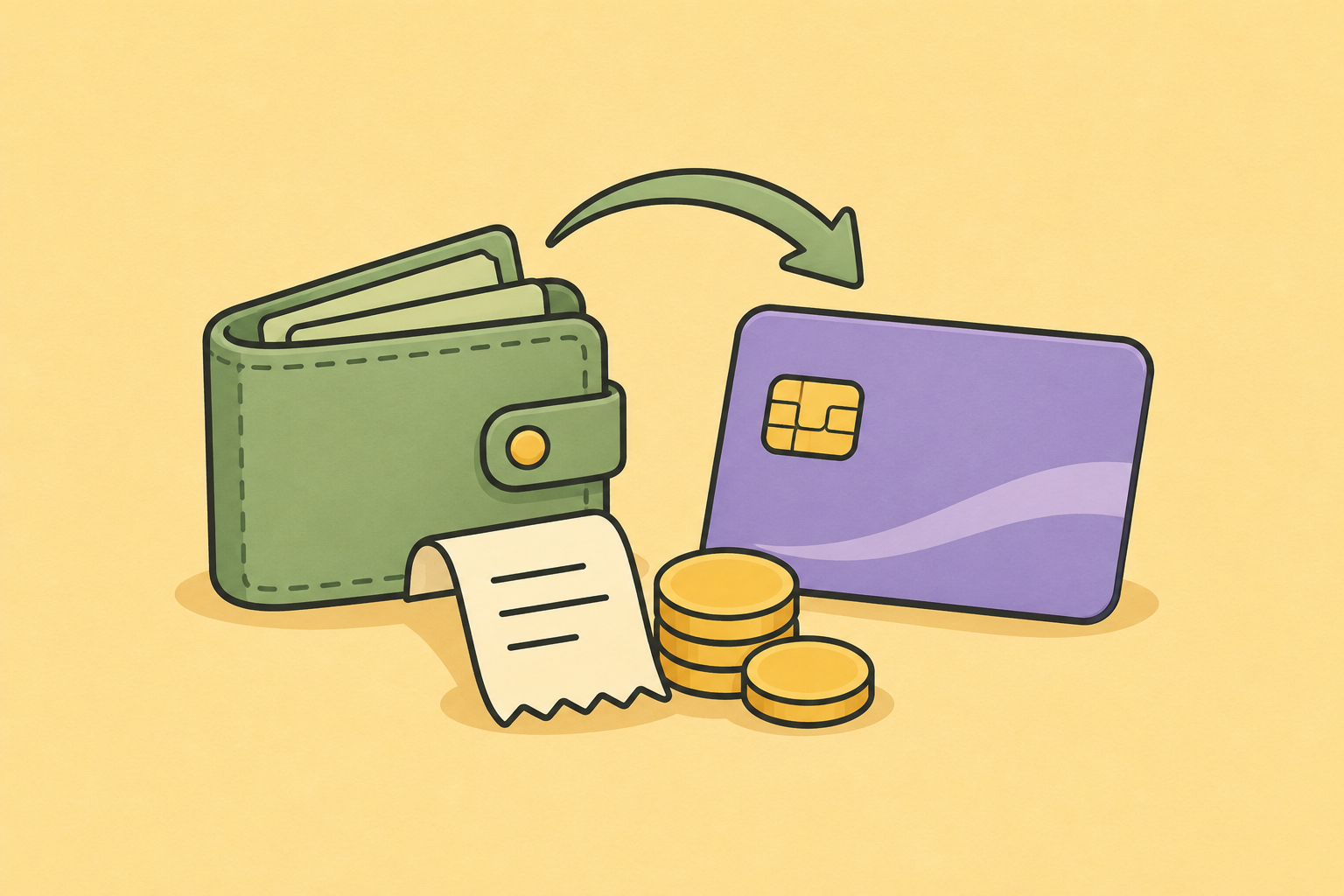
When you track both your spending account and your credit card, count the purchases as expenses and the repayment between your accounts as a transfer. The repayment settles money already spent. It is not another grocery shop or meal out. You still need cash available to make that repayment on time.
That last part matters. A transfer can be excluded from spending totals while still being an important payment coming out of your bank account.
One purchase, two movements, not two expenses
Imagine you buy $120 of groceries on your credit card. Later, you transfer $120 from your everyday account to the card.
| What happened | What it means for your budget |
|---|---|
| $120 purchase at the supermarket | $120 of grocery spending |
| $120 leaves your everyday account to repay the card | A transfer to settle the card, not more groceries |
| $120 arrives on the card account | The other side of that transfer, not income |
The spending is $120, not $240. Your own repayment is not salary, a refund from the supermarket or new money earned.
This example assumes both accounts are tracked and the purchase and repayment are correctly identified.
How does Fireball help?
Credit cards from supported connected banks can appear in Accounts alongside your other accounts. Review the accounts that hold the purchases and the cash used to repay them.
Fireball looks for matching movements between accounts, including repayments into a liability account. That helps keep transfers separate from ordinary income and spending. Detection depends on the available account data, so review unusual or unmatched transactions rather than assuming every payment is recognised perfectly.
In Activity, check that supermarket purchases have the intended spending category and that the repayment is treated as a transfer. Do not change the supermarket purchase to Transfer just to make an overspent budget look better.
For the controls, see Organise and correct your transactions.
Why can your bank balance still look too generous?
Using a credit card delays when cash leaves your everyday account. It does not delay when you commit to the purchase.
If you have $1,000 in the bank and have already put $300 of purchases on the card, the full $1,000 is not necessarily available for new spending. You still need to cover that card payment and any other commitments.
Review both balances and the payment due date. In Fireball, eligible account forecasts can include Estimated repayments based on recent history. Check the estimate against the actual card statement, particularly after a large purchase or a change in repayment behaviour.
A forecast estimate is not the amount your card provider requires you to pay.
Statement balance, current balance and minimum payment are different
Your statement balance records what was owed at the end of the statement period. Your current balance can include later purchases and payments. The minimum payment is the smallest required payment shown on the statement, not a promise that interest will be avoided.
For cards with an interest free purchase period, the conditions generally require paying the full statement closing balance by its due date. The number of interest free days depends on the card and purchase timing; cash advances and balance transfers can work differently. Check your own provider's terms. ANZ's explanation of interest free days.
Use the provider's statement for the amount and deadline. Fireball helps you plan around them; it does not replace them.
What if you already owe money from earlier months?
Keep the old debt and new purchases conceptually separate. Repaying an old balance needs cash now, even if the original purchases happened before your current budget period.
That does not make the repayment a new shopping expense. It means you need a repayment plan as well as a plan for any new spending. Interest and card fees are costs too, not transfers between your own accounts.
Fireball's Goals → Pay down lets you review a debt payoff plan. Repayments you choose to include in Budget can reserve money without requiring you to categorise the transfer as shopping.
For the longer debt discussion, see why paying off credit card debt feels harder than it should. This guide focuses on how to record and plan the activity, not which credit product to choose.
What if only your everyday account is connected?
The repayment alone does not tell Fireball what you bought on the card. Without the card's purchase history, your categories may miss those expenses.
Where supported, include the card account and review the purchase transactions. If you maintain an unsupported card manually, keep its records current and avoid adding a second copy of purchases already imported or synced. Ask support if you are unsure how your particular account should be recorded.
What about a refund to the card?
A merchant refund is different from your own repayment. Fireball supports refund matching and other ways to classify money paid back for spending. Review the incoming transaction and use the appropriate treatment rather than automatically marking every credit to the card as a transfer.
A quick check before your next card payment
Review the purchases, confirm the repayment is not counted as spending again, and check the cash needed by the provider's due date.
You are managing two questions: what have I spent, and when does the money leave my bank account? Keeping both visible makes a credit card budget much easier to understand.
General educational information, not personal financial advice or a recommendation to use a credit card. Examples are illustrative. Source checked 3 November 2026.
Make the next money decision calmer
Turn what you just read into a plan you can track, adjust, and actually live with. Explore our free financial calculators or see how Fireball brings your finances together.